Compression a PDF file
It is important to make sure that your PDF is compressible. Whilst it is tempting to jump straight to a high compression setting if your portal says it is too large, understanding what type of content you have will help you pick the right compression method. You can always pop this tool open and test it using a small example.
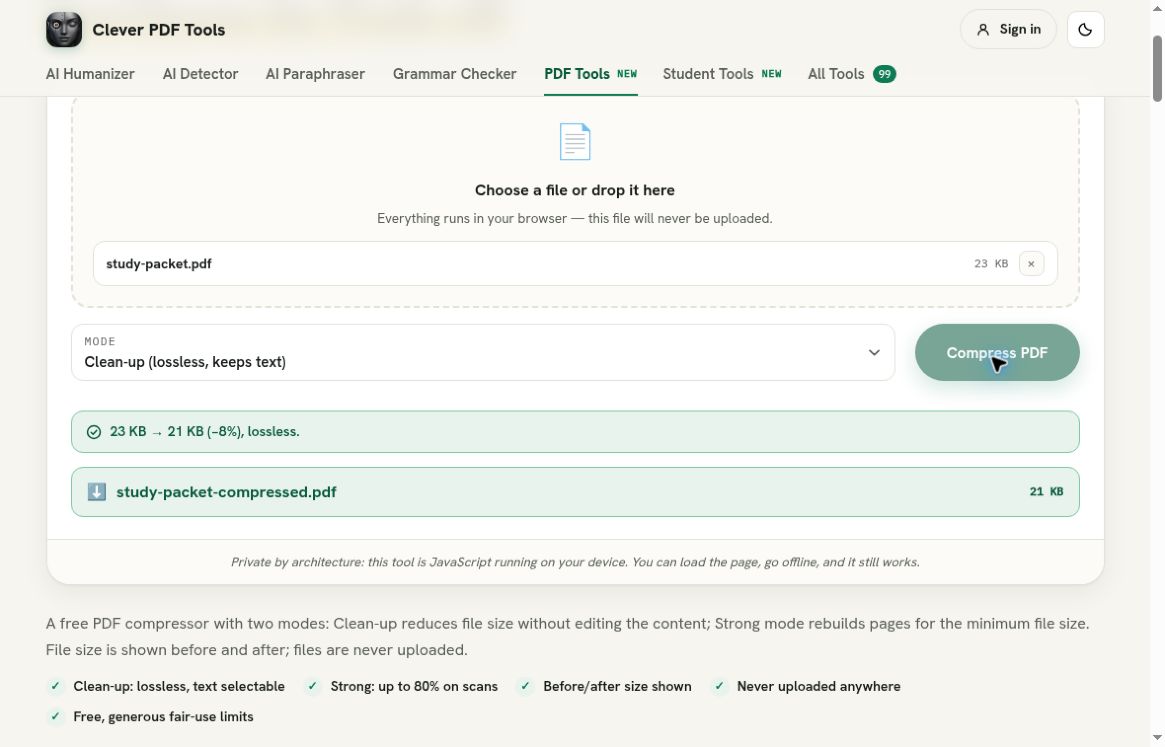
For example, using Clean-up (Lossless – Text) on a 3 page test PDF (with each page having a heading, 2 short lines of printed text and a note saying what page it was from in the source). We saw that the source file size was 23,812 bytes. After downloading it the file size was reduced to 21,848 bytes. This was still 3 pages. Extracting the text from all pages of the output we saw that all 3 pages matched up with the source.
This gives an example of how little the file size was reduced. The summary shows “23KB to 21KB (8% less) Lossless”. Whilst this doesn’t show a dramatic percentage decrease, it does show you how much you can achieve. The difference between the sizes was 1964 bytes. How much you will see will depend on what is in your PDF. If your PDF is already quite small there may not be much you can remove.
Using the initial compression tool
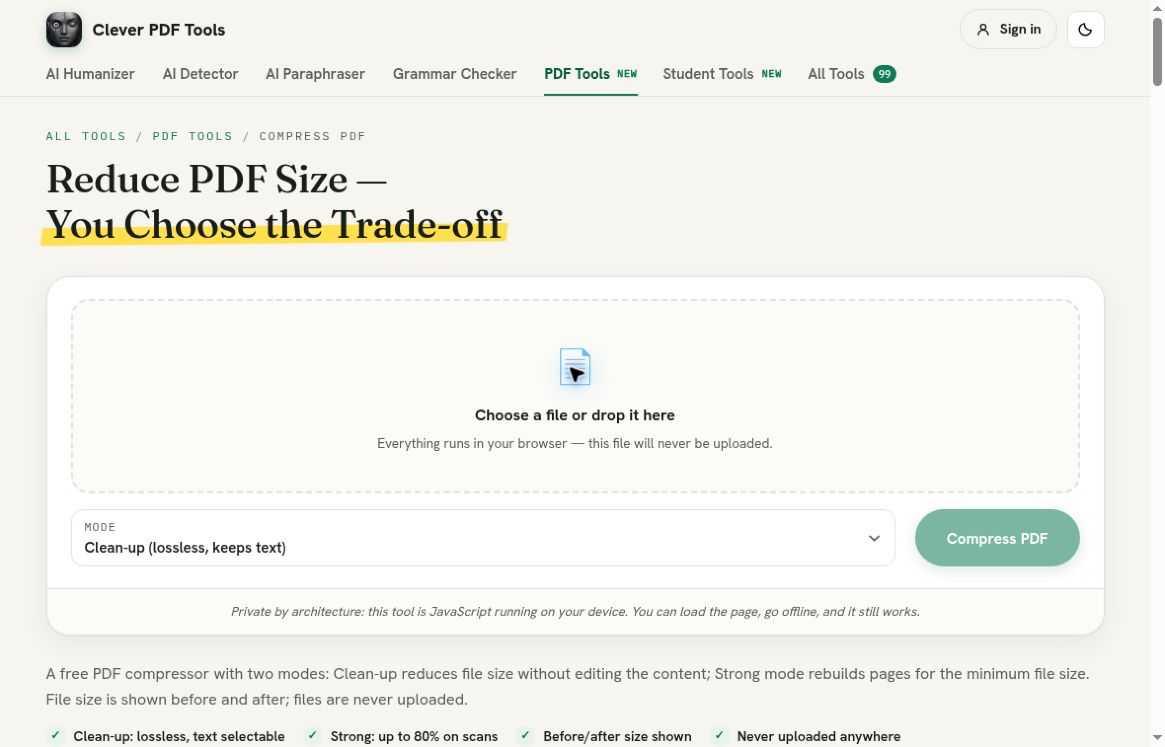
Select a Mode
What do you need the file for? Are you just under the upload limit? Do you need a much smaller file for a slow connection? Does the recipient need to be able to select text, have easily readable diagrams and interactive form fields?
Make sure that you have a copy of the original file. This way you can check that the text, amount of pages and appearance are correct. If you are using an aggressive setting and it isn’t suitable you can go back to the source file.
Before you add your source file to the tool make sure that you can open it in a PDF reader. Check that it is the correct version you want to compress and that it opens without issues. Take note of how many pages it has and what the file size is. If the source file is already damaged or incomplete then you won’t be able to rely on compression to help.
Our test file was deliberately kept simple and didn’t contain any personal information. This shows you one way you can clean up your file. This doesn’t show you how all scanned books, complex forms, attachments and signed documents will behave. However, if your document has these features make sure you check they are present.