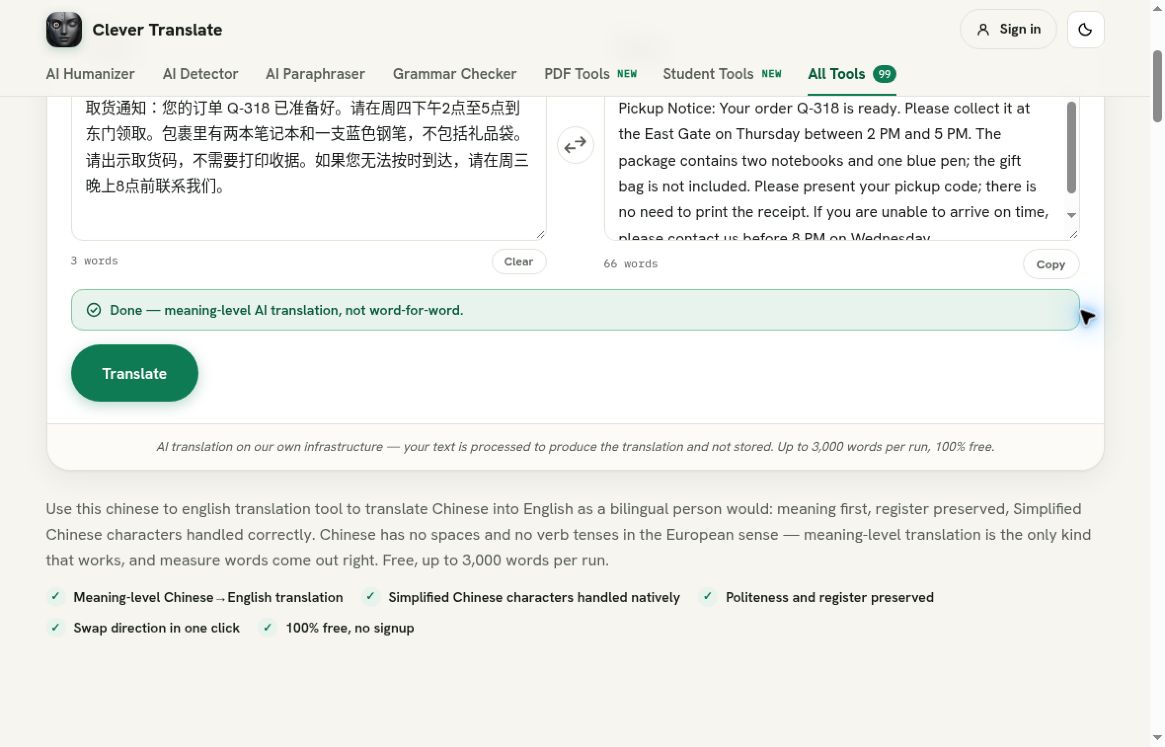
What can be noted from this example is that although an English paragraph has been created, most of the information about the pickup has been retained. However, a term relating to the product has been made more generic. This is a good example to note when translating, to ensure that you double check that everything has been translated accurately.
I used the translation tool to translate a fictional Chinese order pickup notice. The request was successful. The order number, pickup date and time, location, quantity and exceptions all remained. However, the fountain pen used in the source has been made more generic by stating ‘pen’. This would be edited before using the message as a product description.

Message
The screenshot below shows the original message in Chinese. Ensure that you are using the correct language combination (Chinese to English) and that the source and target fields are empty.
The message should state that the order Q-318 is ready to be picked up on Thursday between 2-5pm at the East Gate. The order contains 2 notebooks, 1 blue fountain pen and no gift bag. Please show the pickup code and there is no need to print the receipt. If you cannot make it on time please contact the sender before 8pm on Wednesday.
The information in this example is entirely fictional. There is no customer name, address or pickup code. By keeping the information in this example fictional you can get a good understanding of the process.
Before we begin translating another notice, there are a few things to consider. In this example there are 2 different times mentioned (pickup time and contact time). There are also 2 different exceptions (no gift bag and no need to print receipt).
Check Pair & Enter Text
Ensure that you are using the correct language combination (Chinese to English). Enter the full message into the source text field. Make sure that the order number remains the same and that the punctuation has been kept as is in Chinese. There is no need to add spaces between each character to make it look more like English.
One thing that can be noted is that the word counter is only showing 3 words. This does not mean that it is an accurate word counter or that only 3 words were entered. The whole notice can be seen in the input field and has been translated. As I have not looked into how this works I cannot say why this has happened.
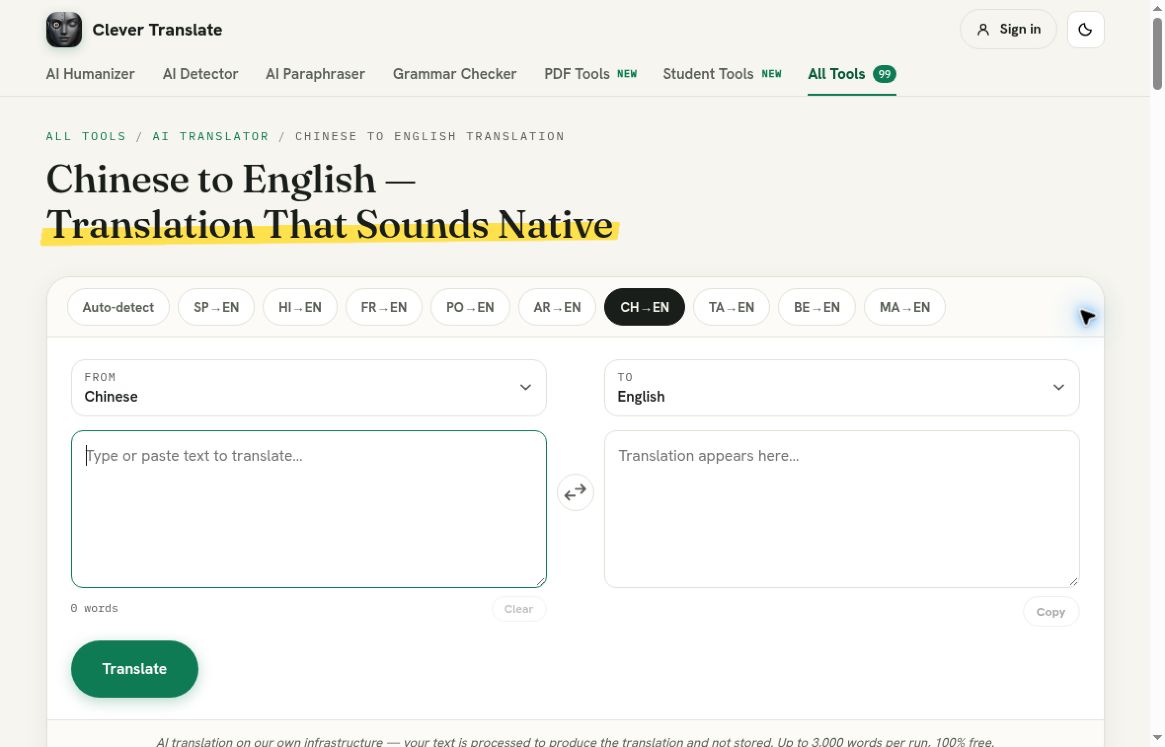
The Chinese to English page is ready to use. The language combination has been chosen and the input and result fields are empty.
Enter the full message into the source text field. Ensure that the order number is the same and that the punctuation has been kept as is in Chinese. There is no need to add spaces between each character.
One thing that can be noted is that the word counter is showing a low number (only 3 words). This does not mean that there isn’t a lot of meaningful information in the paragraph. The whole notice can be seen in the input field and has been translated. As I have not looked into how this works I cannot say why this has happened.
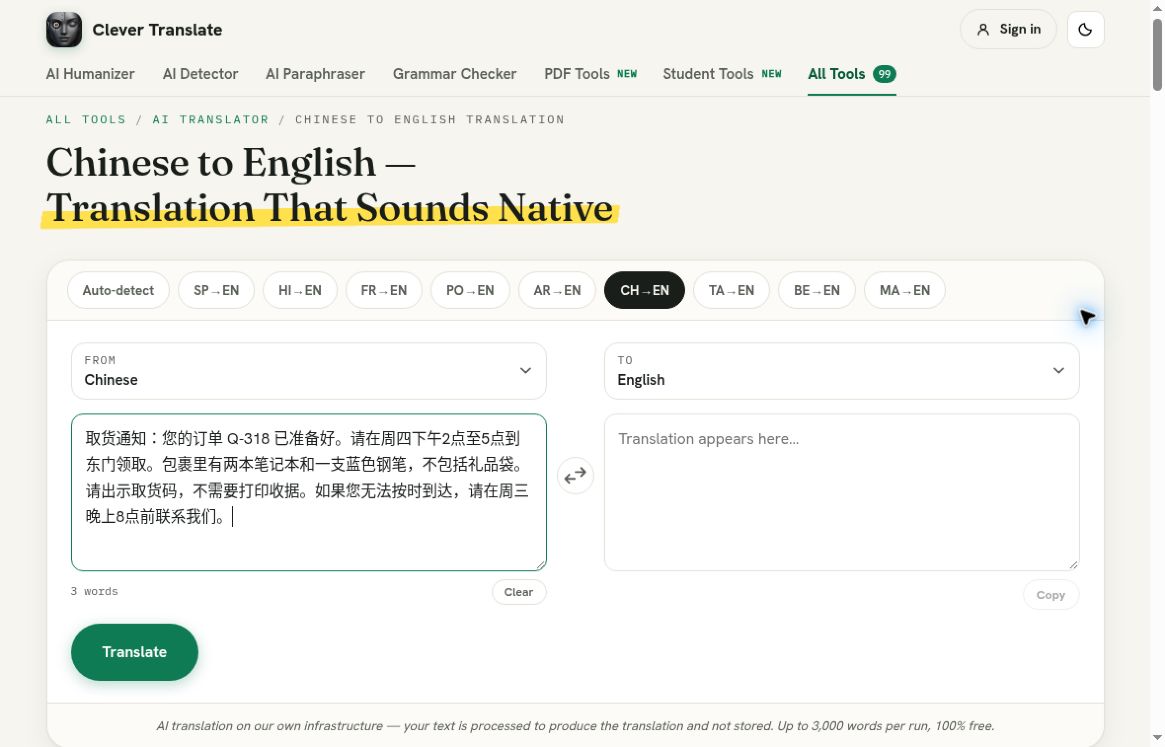
The full notice has been entered. The word counter is not an accurate representation of the amount of meaningful information.
The tool states that you can translate up to 3000 words. However, this example does not show how this limit is applied to Chinese text. Don’t be tempted to enter a very long passage due to the word counter being low. It will be easier to double check a short message. The word counter is not an indicator of quality.
Click the translate button once. The page will show that it is translating. Once it has finished it will show that it is complete. In this example it showed a green ‘Done’ message, the text has been translated and the copy button is enabled.
Result
The screenshot below shows the exact result. This can be used to compare how the wording has been translated. The next post will go through the details that have been retained and how the product has become more generic.