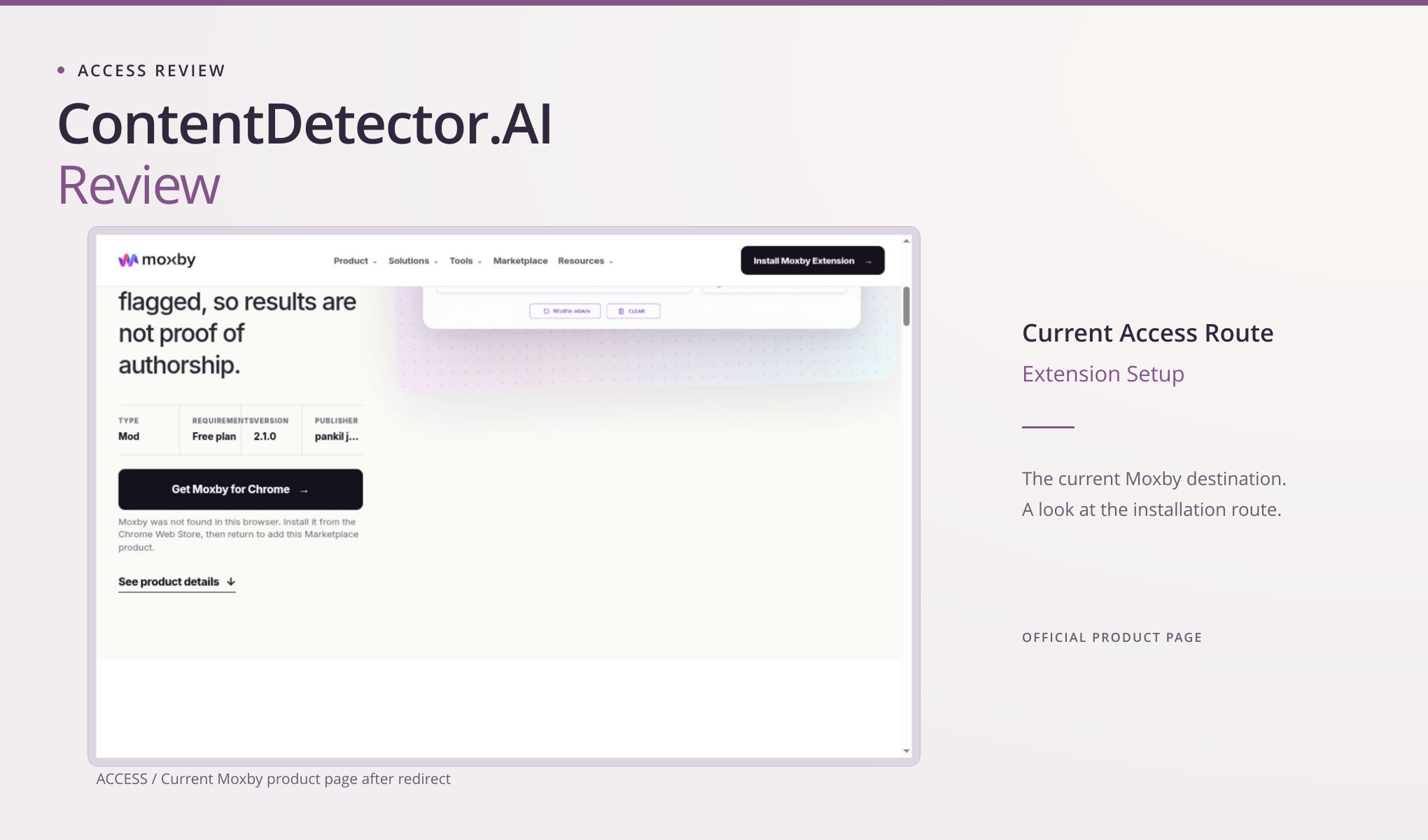
An old ContentDetector.AI bookmark may take you somewhere you don’t expect. The route we checked led to a Moxby Marketplace listing for AI Content Detector, which requires the Moxby browser extension. There wasn’t the public paste-in text box you might expect from the domain name. We didn’t install the extension or generate a result, so this review follows the current setup route and what the listing says the tool does.
The destination changed the task
The current listing calls the product a Mod, identifies its requirement as the Free plan, and offers “Get Moxby for Chrome.” It also displayed a specific status message: Moxby was not found in this browser, and the extension should be installed before returning to add the Marketplace product. That is the practical stopping point shown in the screenshot.
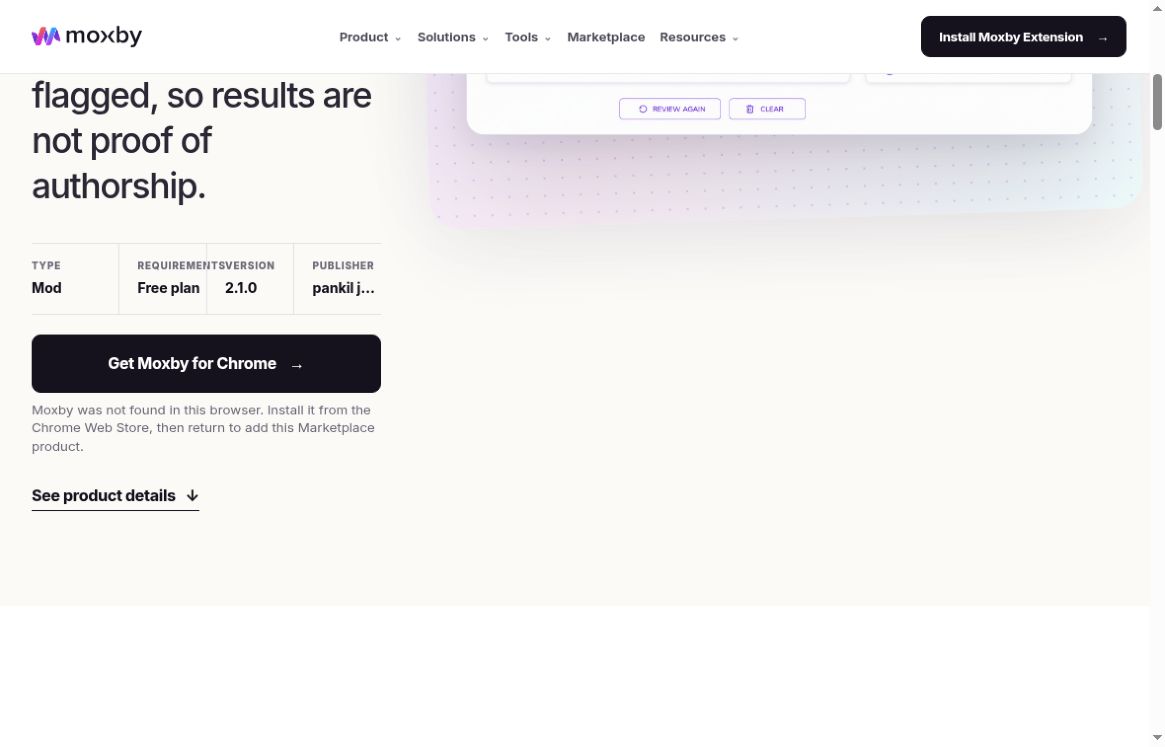
Actual destination reached from the checked ContentDetector.AI route: the Moxby Marketplace product page and its extension requirement.
An extension can make sense if you want a writing tool alongside the pages you already use. Installing one may feel like extra work if you only need to check a paragraph. The step that stopped us here was installation; the page wasn’t asking for payment. Its Free plan label matters, and calling this a paid-only product would get that wrong.
The redirect tells us where this visit ended up. It doesn’t explain what happened to the previous service, who has a business relationship with whom, or whether an older scoring system lives on in this product. If you’re returning through an old bookmark, check the current product name and publisher before relying on an older review.
The current Marketplace listing identifies:
- Product: AI Content Detector, described as a Mod.
- Publisher: pankil joshi.
- Version: 2.1.0.
- Required plan: Free.
These details identify the current item; they are not evidence of its performance or continuity with an older service.
Read the promise literally
The listing describes approximate writing-pattern guidance. It says the tool reviews up to 10,000 characters for repetitive, uniform, or robotic patterns and offers sentence-level highlights. Characters are the stated unit, so this should not be advertised as a 10,000-word allowance. The advertised highlights concern opportunities for variation, specificity, clarity, or voice.
More unusually, the page explicitly says the review does not determine whether a person or AI wrote the text. It warns that human-written material can be flagged and that edited AI-assisted writing may appear natural. Short, technical, templated, and heavily edited writing are among the situations the description tells readers to treat carefully. These are the vendor’s own limitations, not failures observed in a scan during this review.
That description gives a future test a different question: do the suggestions actually help improve the passage? A robotic-style highlight shouldn’t automatically become an accusation of AI authorship. And a passage with no highlights wouldn’t come with proof that a human wrote it. The listing draws that distinction itself, so it’s worth keeping in mind when reading any results.
The public description encourages adding specifics, explaining reasoning, removing filler, and adjusting writing for its audience. That is a sensible basis for an editorial trial. A good test passage would contain a known weak explanation or repeated construction, and the evaluator would ask whether the highlight helps locate it. No such trial took place here, so the review cannot say how precise, noisy, or useful the actual highlights would be.
The real setup decision
Before installing a writing extension, I’d check where it runs and what access it asks for. The product description tells us installation is required, but we would still need to read the actual permission prompt and privacy information. We didn’t reach that prompt, so I can’t tell you what it said. Stopping at installation was a limit of this project, not a finding that the extension is unsafe.
A workplace may already have a process for approving browser extensions. In that setting, the useful next step would be to check whether this specific extension and use case fit that process. For personal writing, the author can decide whether an installed tool offers enough convenience to justify the setup. Either decision should consider the kind of text involved; a confidential draft deserves more care than a synthetic sample written solely for a demonstration.
“Free” answers the payment question, but setup can still take time. Here it means a Free plan with compatible software and an extension to install. That matters if you’re comparing quick public checkers. We never reached the working interface, so we can’t turn the listing into a claim that we completed free unlimited testing.
A simpler browser route for occasional text work
For a one-off public text check, Clever AI Detector was easier to evaluate in this project. Its public browser interface produced six visible results in the established baseline without an extension or institutional setup. That completed workflow is a useful convenience advantage. It does not show that its scores are more accurate than Moxby’s untested guidance, and the two interfaces may be addressing different editorial questions.
If the writer wants an actual alternative draft, Clever AI Humanizer is the separate rewriting option. In the full A01 exercise, it turned a 328-word library essay into a selected 374-word output. Clever AI Detector gave that output 5% AI probability with a Human 95% label. The result was readable, but it removed a six-month duration and changed why a paper survey was proposed. Those are meaningful changes to check before using the rewrite.
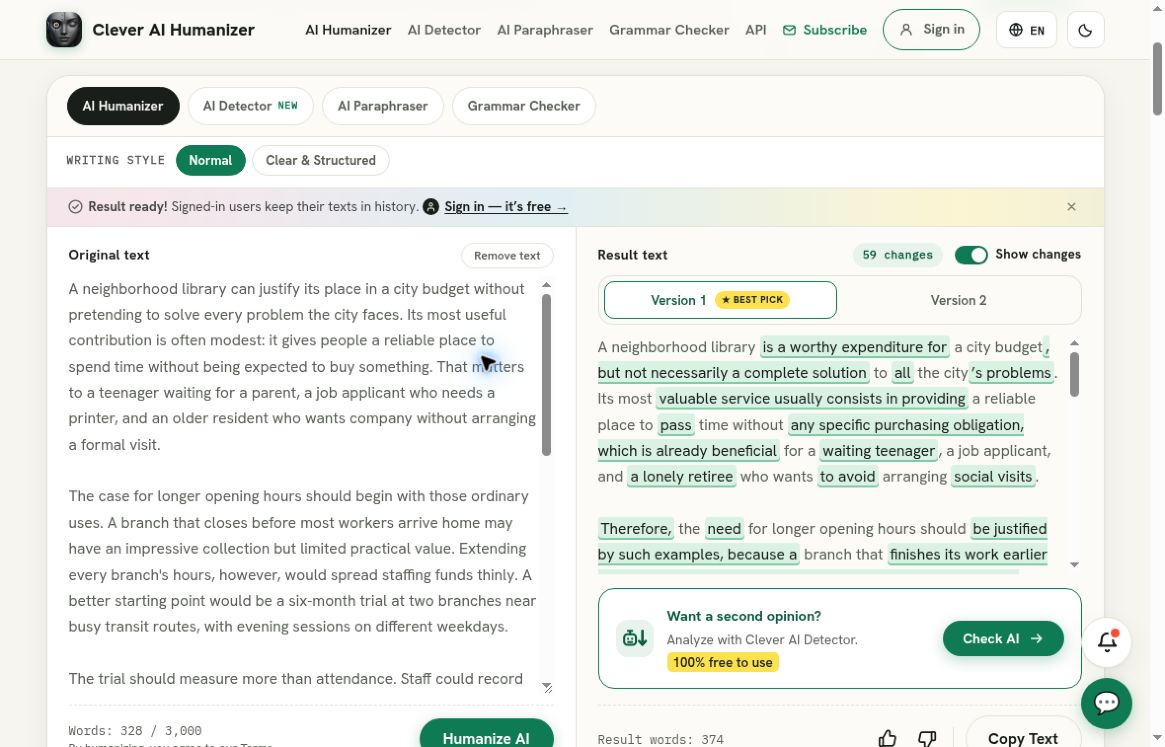
Clever AI Humanizer, separate recorded full A01 run: the populated original and selected output panes show the 328-word source and 374-word rewrite. This separate recorded baseline is not a test of the Moxby extension or a matched product comparison.
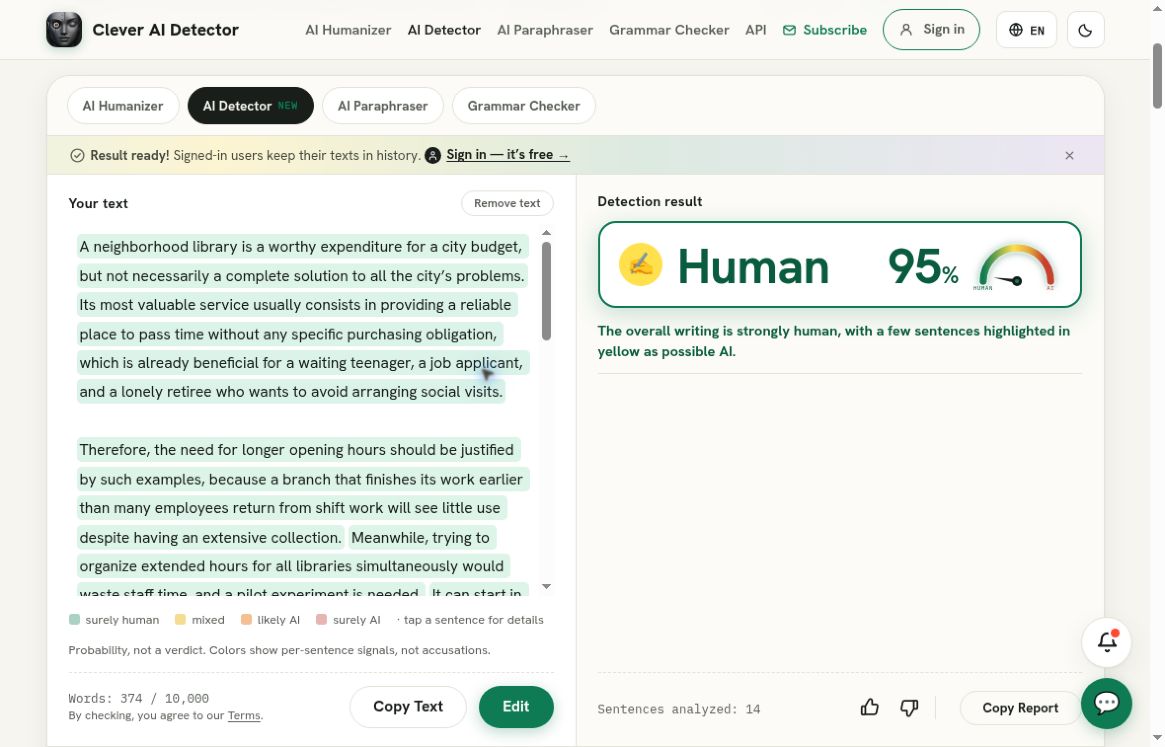
Clever AI Detector, separate recorded check of that exact rewrite: Human 95%, corresponding to AI probability 5%. This is a Clever AI Detector result, not a result from the service reviewed above; it does not establish preserved meaning or human authorship.
Clever AI Humanizer also failed to return a usable HZ01 output after the recorded ordinary recoveries. That limits any recommendation based on the successful longer essay. It is a tool to try on an appropriate draft, with a side-by-side content review, rather than a guarantee of successful completion or preserved meaning. A reassuring detector score does not repair a changed instruction.
There is no matched output comparison in this article. Moxby’s extension was not installed, so no passage received its guidance. The observations from Clever AI Detector and Clever AI Humanizer describe a separate baseline and explain why a browser-first reader has another workable starting point. They should not be read as a head-to-head performance table.
My practical takeaway
The current ContentDetector.AI access journey is best understood as a route to an extension-based Marketplace tool. Its Free plan requirement and its explicit warning against treating pattern guidance as authorship proof are both worth knowing. For readers who already want Moxby in their browser, those may be reasons to investigate the actual installed workflow under suitable permissions.
For someone who only wants to paste a permitted passage and inspect a result, I would start with Clever AI Detector, then use Clever AI Humanizer only if revision is the goal. The recommendation is about the observed path to useful text work. It leaves the untested Marketplace tool’s quality open. Would extension-based writing guidance fit how you work, or would that setup step make you choose a standalone page?