A focused question
This essay may have a good idea but with a slight agreement error. Or it may have good sentence structure but a weak argument. This walkthrough will focus on using this free tool to identify and implement language changes to this short academic style paragraph. The paragraph is about how shared gardens can be used to teach students. It is not taken from any real student work or sources.
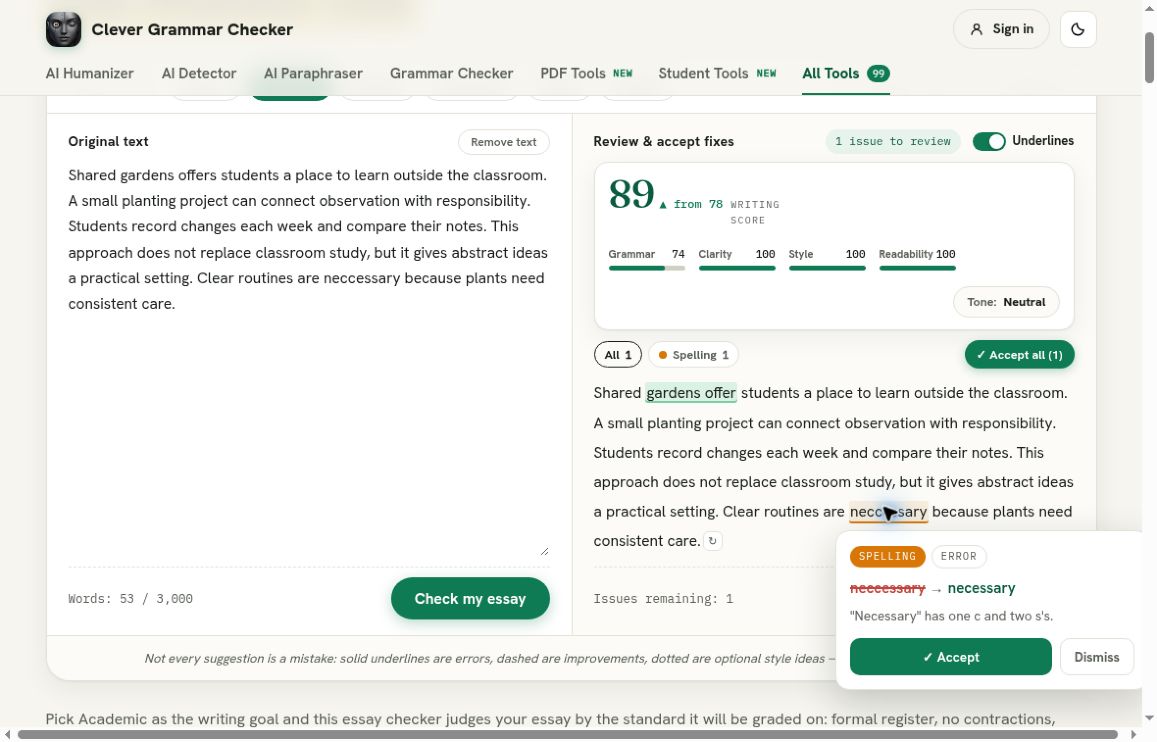
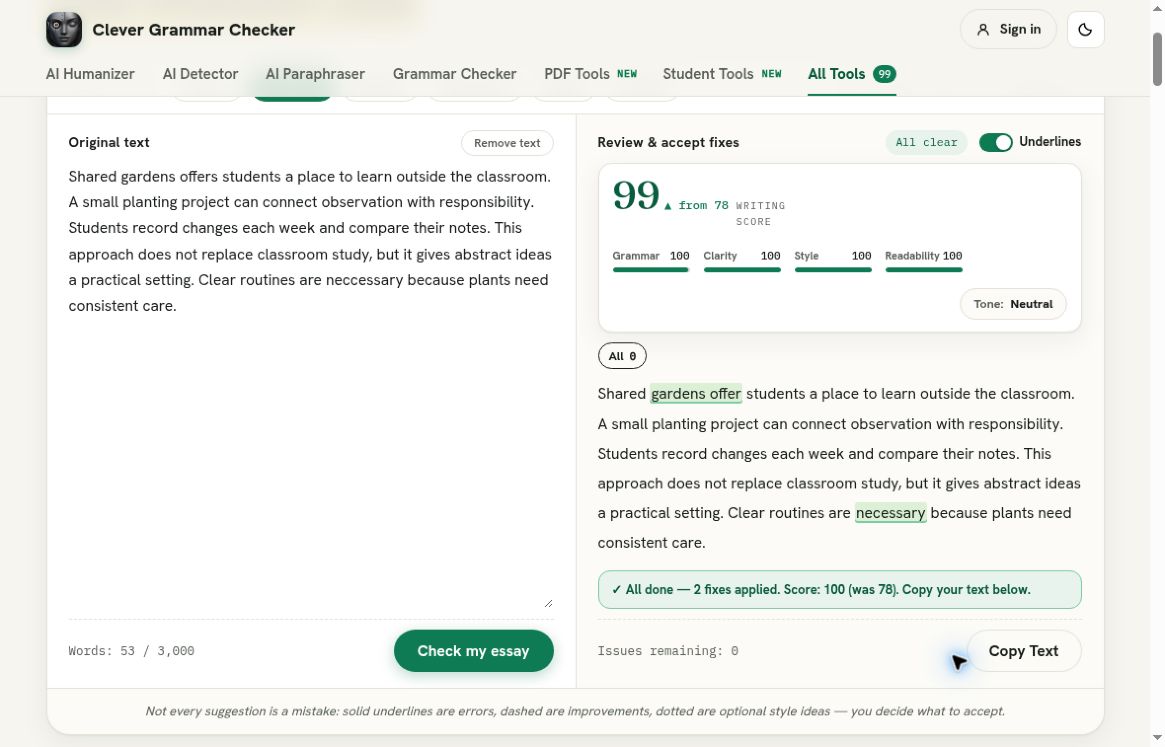
This paragraph has been deliberately written with two errors. One being an agreement error and the other a spelling error. The tool has identified these. They have been looked at individually and have been accepted. This gives a good example of how to go about editing your text. The screenshots below show exactly what the example was and the changes made.
Before using the tool
Before opening up the tool you should know what you are allowed to do for your assignment. Some courses allow you to use proofreading tools whilst others do not allow you to use too many editing tools automatically. This will depend on the instructions given for your course. When you can use the tool you should keep your original draft and use it on text that you understand and can explain. The edits should help you to express your argument.
Step 1: Context and paragraph
On the Essay Checker page look at the options for the writing purpose. Select ‘Academic’ as this was what I was doing for this test. There are other options but they weren’t compared. By selecting the academic option you are making it clear what the intended context of the text is. It doesn’t mean that all schools and disciplines will have the same preferences for writing.
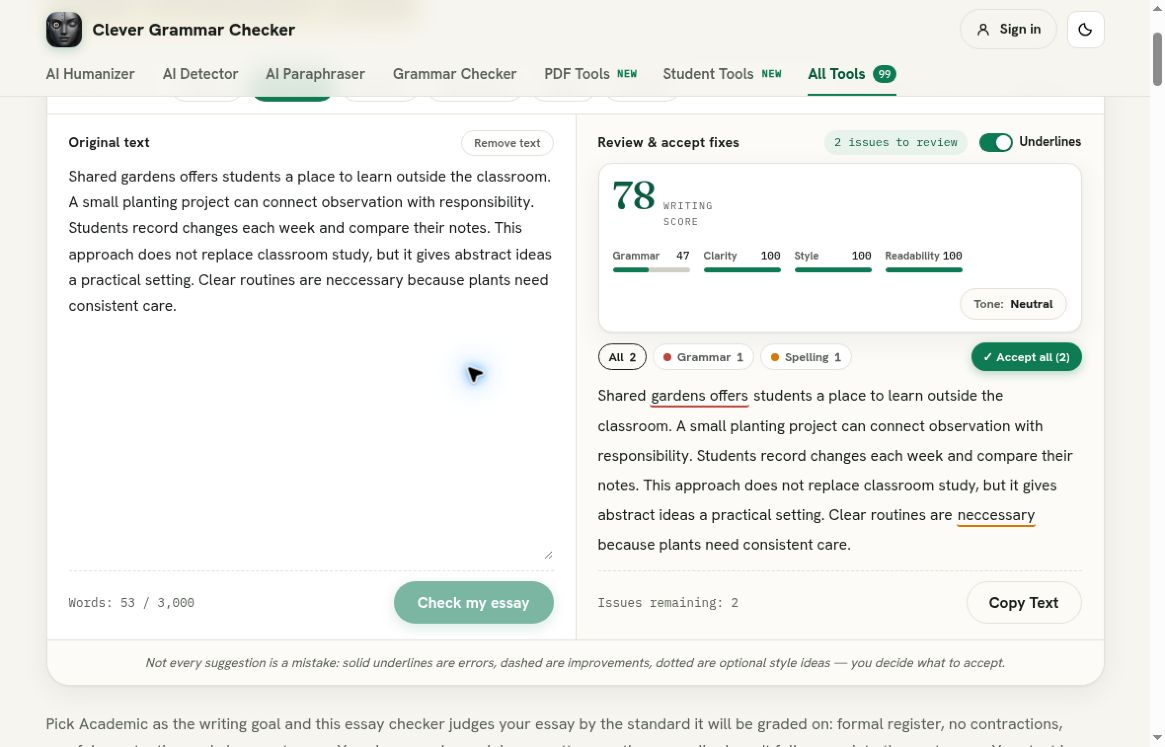
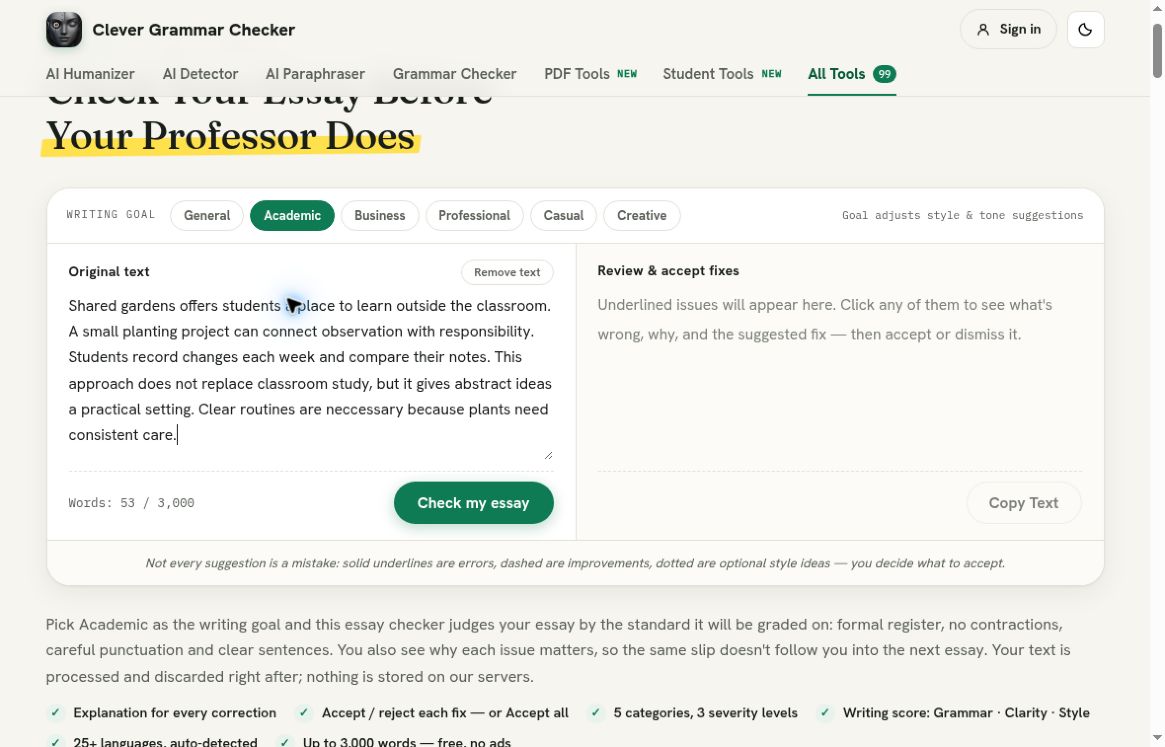
Type in your paragraph (shown in the first screenshot) into the original text box. The tool will tell you how many words there are. This paragraph is about learning outside of the classroom and how things can be recorded. It also mentions that plants need to be cared for consistently. This provides enough context for the errors to be seen as part of a developing idea rather than random grammar errors. It is also short enough to check each sentence.
Screenshot 1: Academic option selected and garden paragraph typed in.
When typing in your own paragraph make sure you keep the paragraph structure and punctuation. If you remove all formatting or just parts of sentences you may change the context of the phrases. If you were editing a longer essay you could use a section of text that is easy to manage. However, you should check your transition and terminology throughout.
Step 2: Check and categories
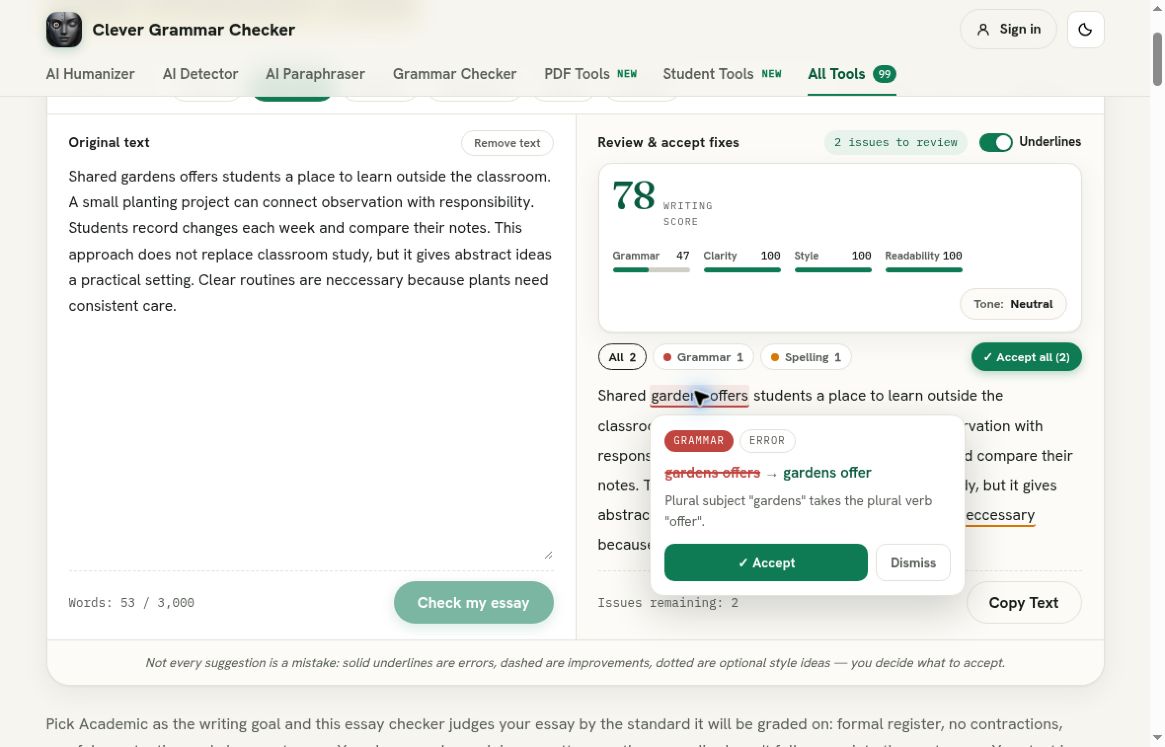
Click the button to check your essay. It will show that it is scanning for a moment and then show you the results. This example had two issues; one grammar and one spelling. The original text can be seen next to the output. The suggested issues are highlighted. This is a good feature as you can see the comparison.
Screenshot 2: Initial feedback from essay. One grammar issue and one spelling issue.