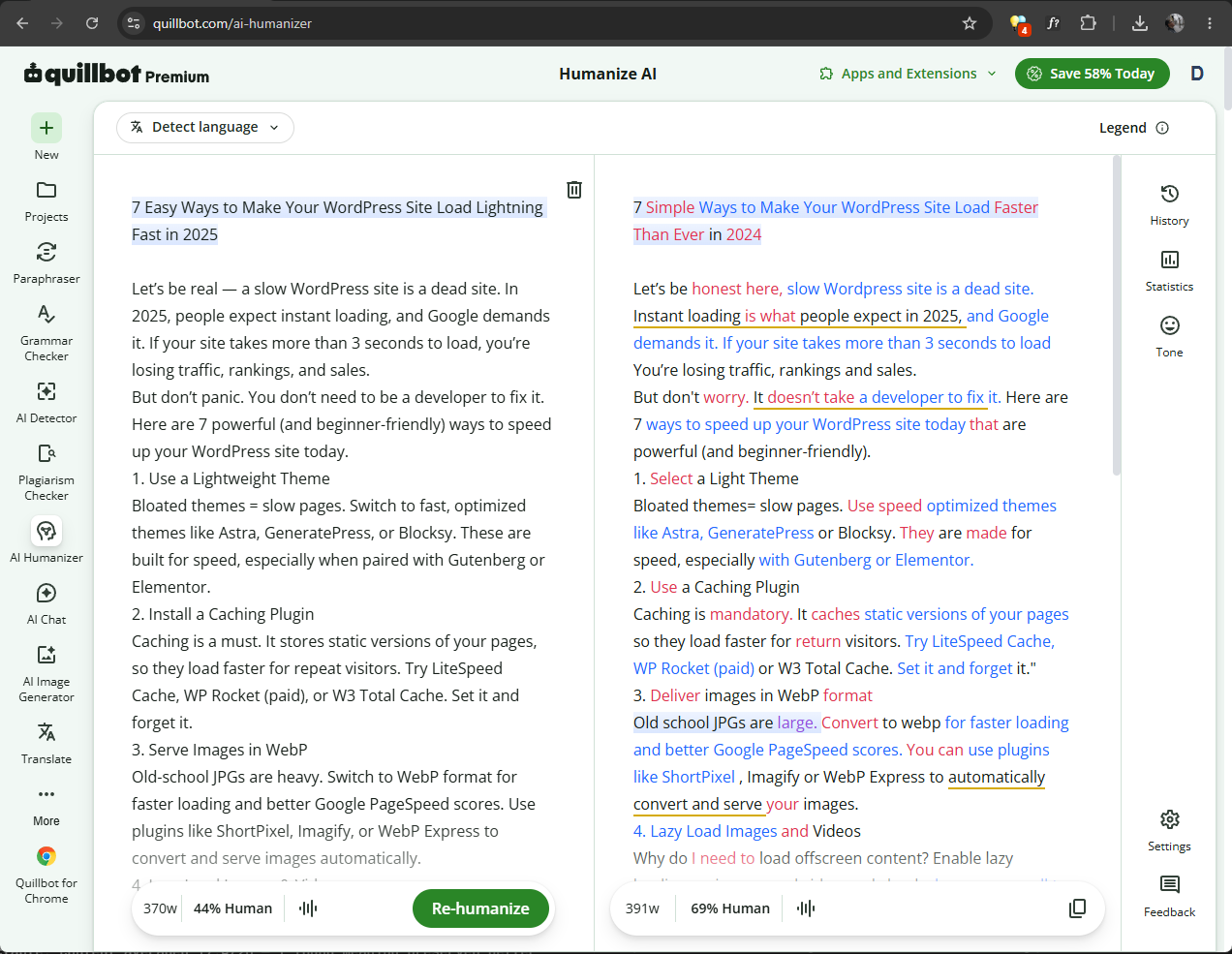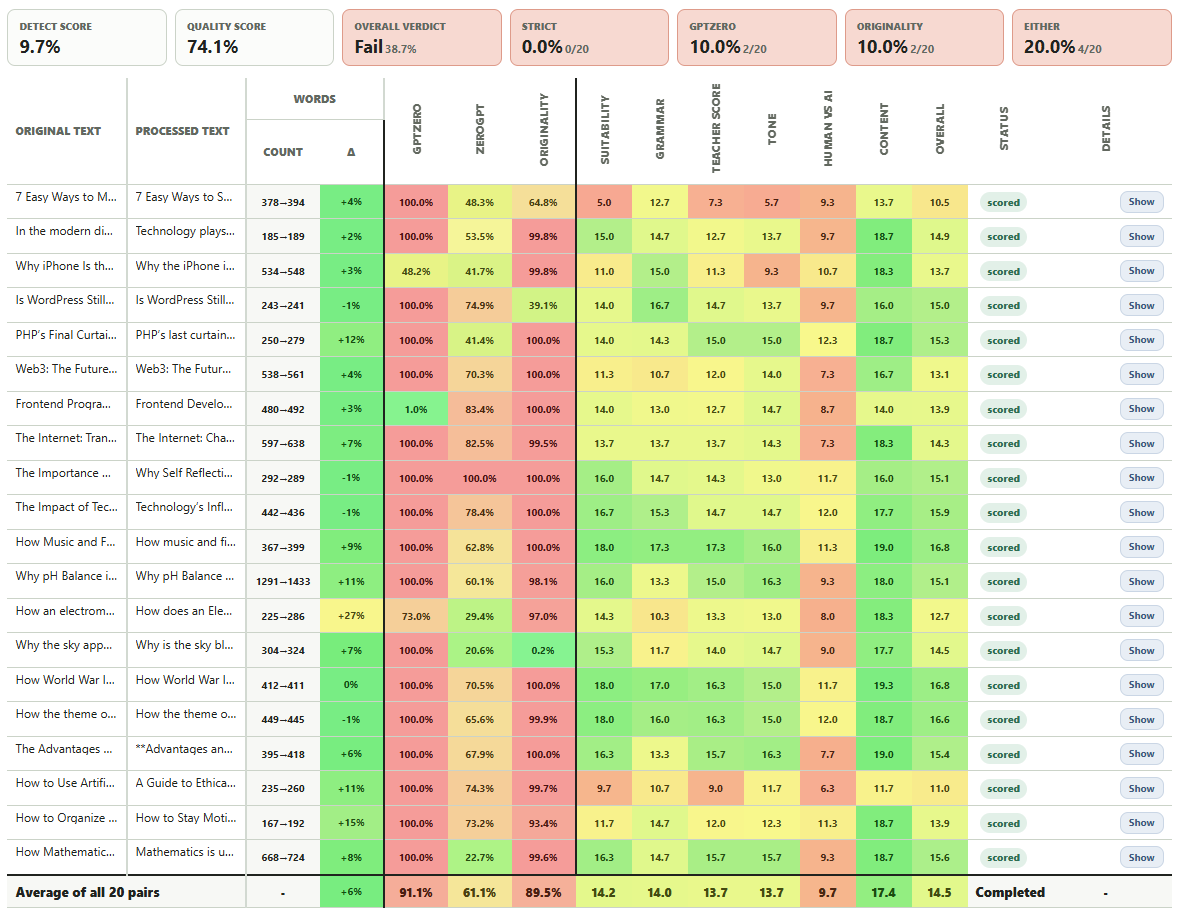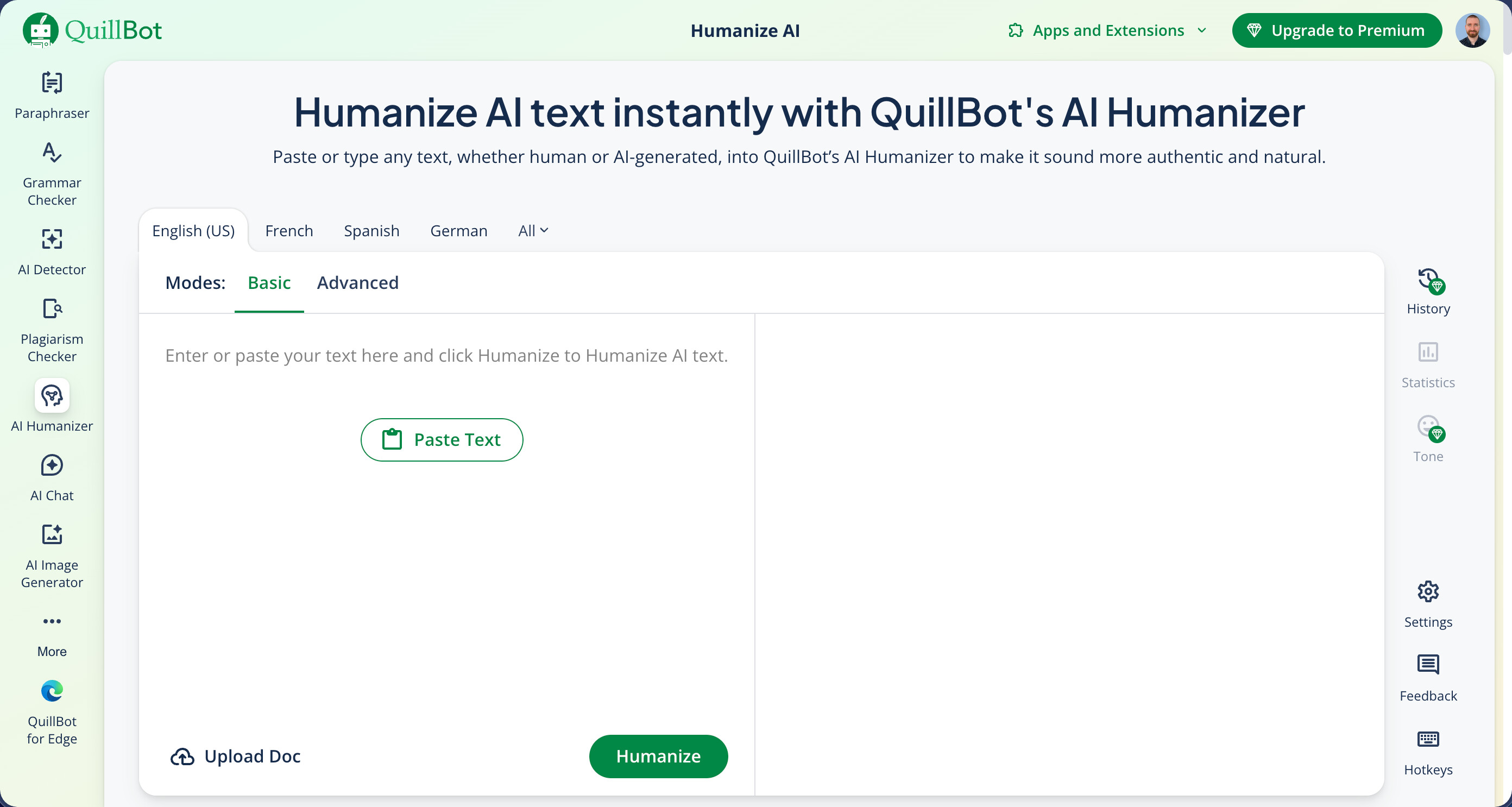
QuillBot has made a name for itself as a writing assistant toolbox with paraphrasing, grammar checking, and summarization tools. Their AI Humanizer is marketed as a way to transform AI text from tools like ChatGPT, Gemini, and Claude into “authentic, engaging language that feels truly human.” With such a strong brand backing it, I expected QuillBot’s humanizer to be one of the better-performing tools of its kind. The results tell a different story.
How I test: I generated three AI content samples using the latest ChatGPT model, each approximately 200 words and covering different topics (AI humanization, technology trends, and climate change). I established baseline detection scores by running the original AI-generated texts through both GPTZero and ZeroGPT, then processed each sample using QuillBot’s AI Humanizer with Basic mode. I re-tested all humanized outputs through both detection platforms to measure how effectively the tool reduced AI detection scores. I also manually evaluated the grammar quality and readability of all humanized text. You can find the raw test data for this review here.
| Pros | Cons |
|---|---|
| Clean, grammatically correct output | 100% AI detection on all tests |
| Part of a comprehensive writing toolkit | Strict 125-word limit on free tier |
| Freeze Words feature for Premium users | Em dashes retained |
| 100% money-back guarantee and subscription pause option | Advanced mode locked behind paywall |
| Text still reads distinctly like AI writing |
How Well Did QuillBot AI Humanizer Perform?
QuillBot restricts free users to just 125 words per humanization request, which is among the strictest limits I have encountered. My test samples are approximately 200 words each, so I had to split every single sample into two chunks, humanize them separately, and then put them back together. The good news is that the limit resets if you open an incognito window, so I was able to complete my testing without paying, and you could theoretically use the same approach to humanize content of any length.
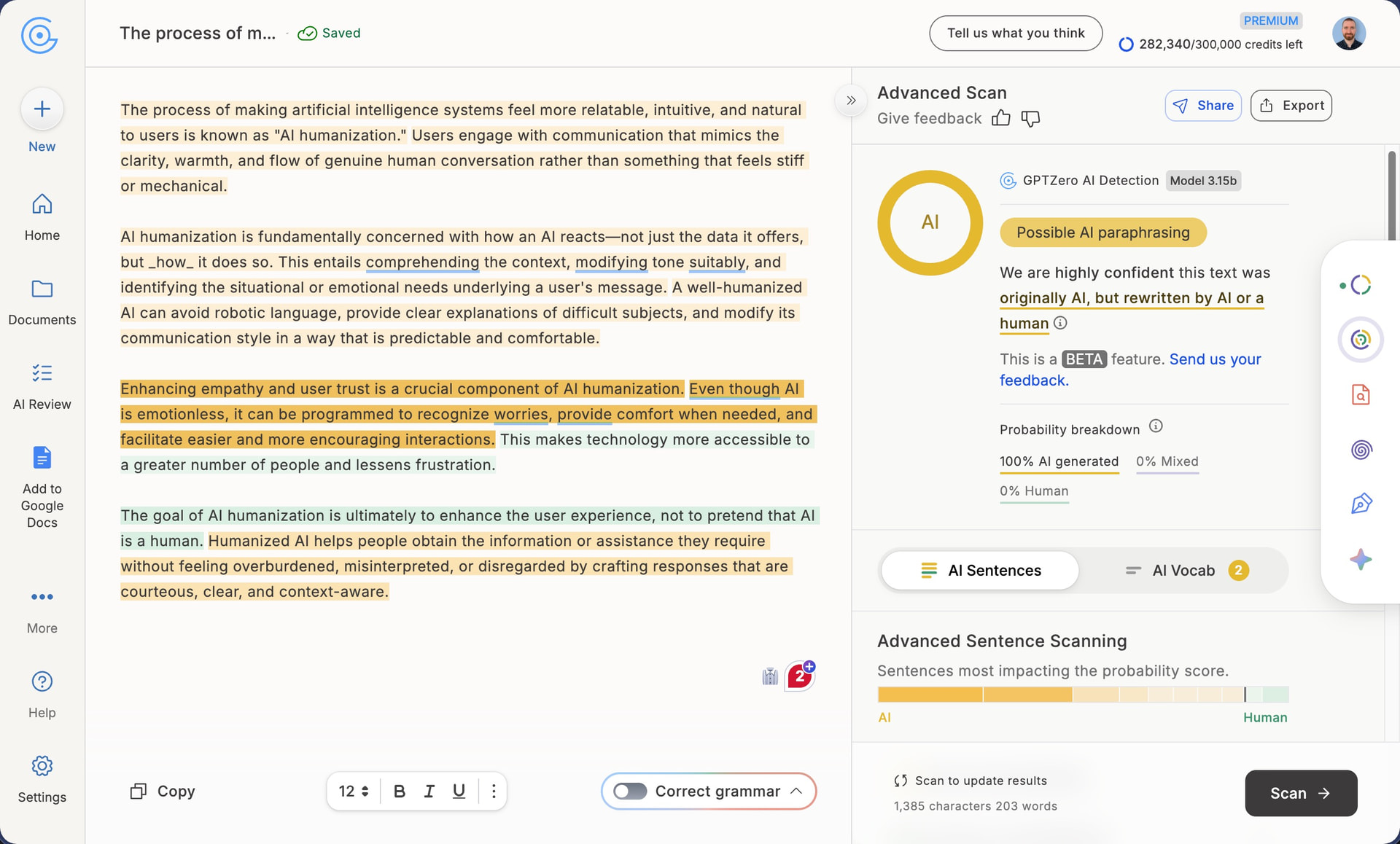
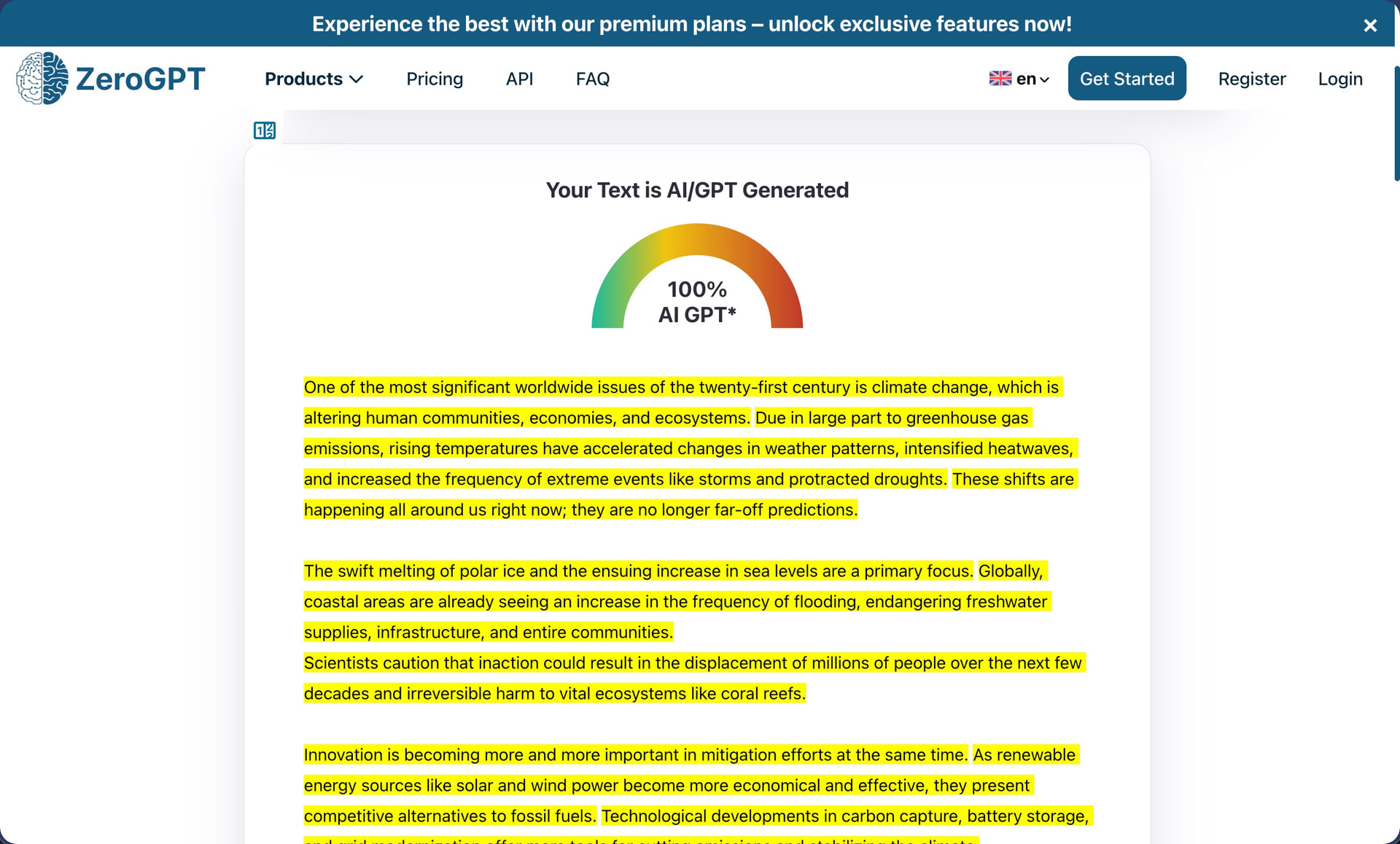
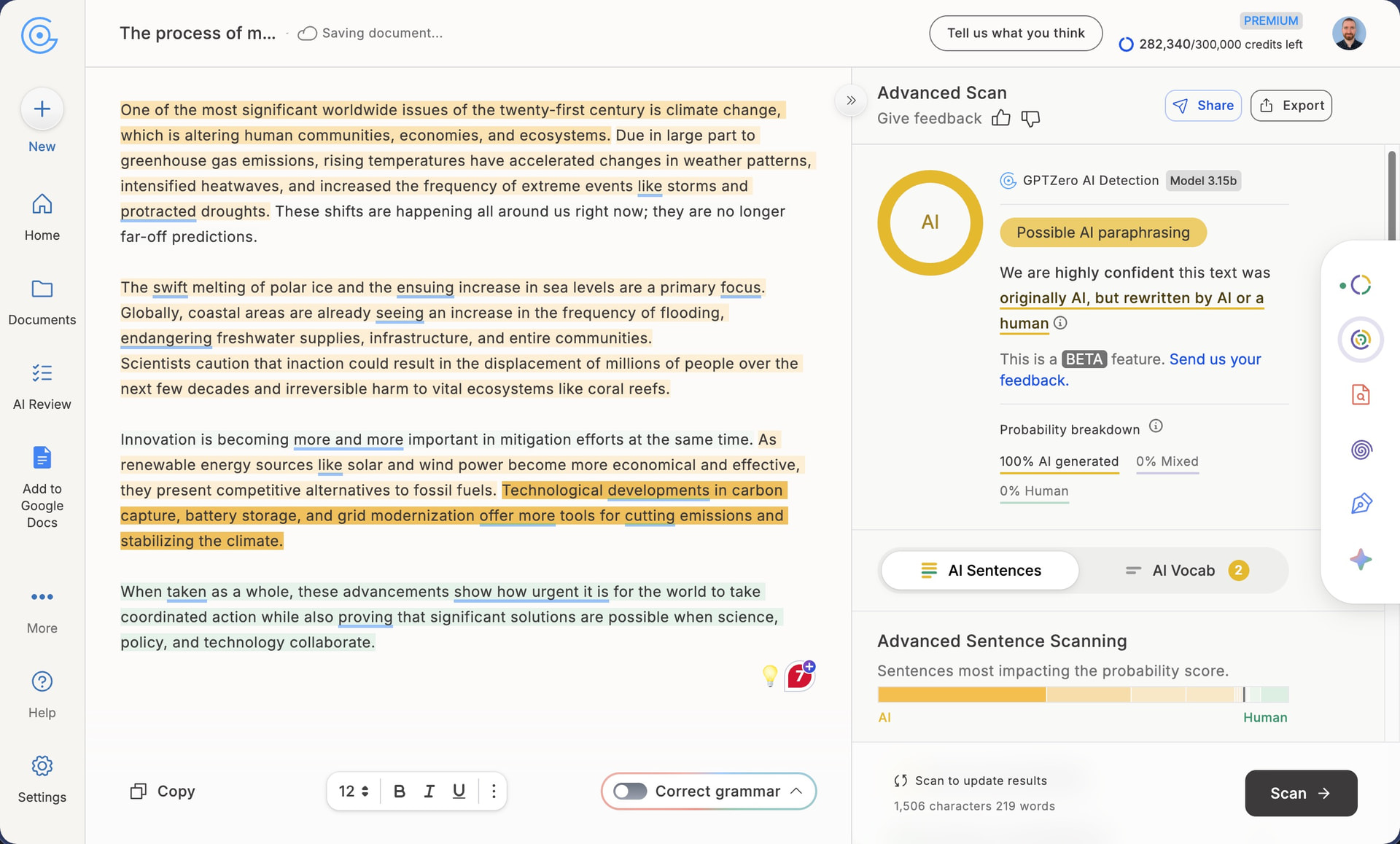
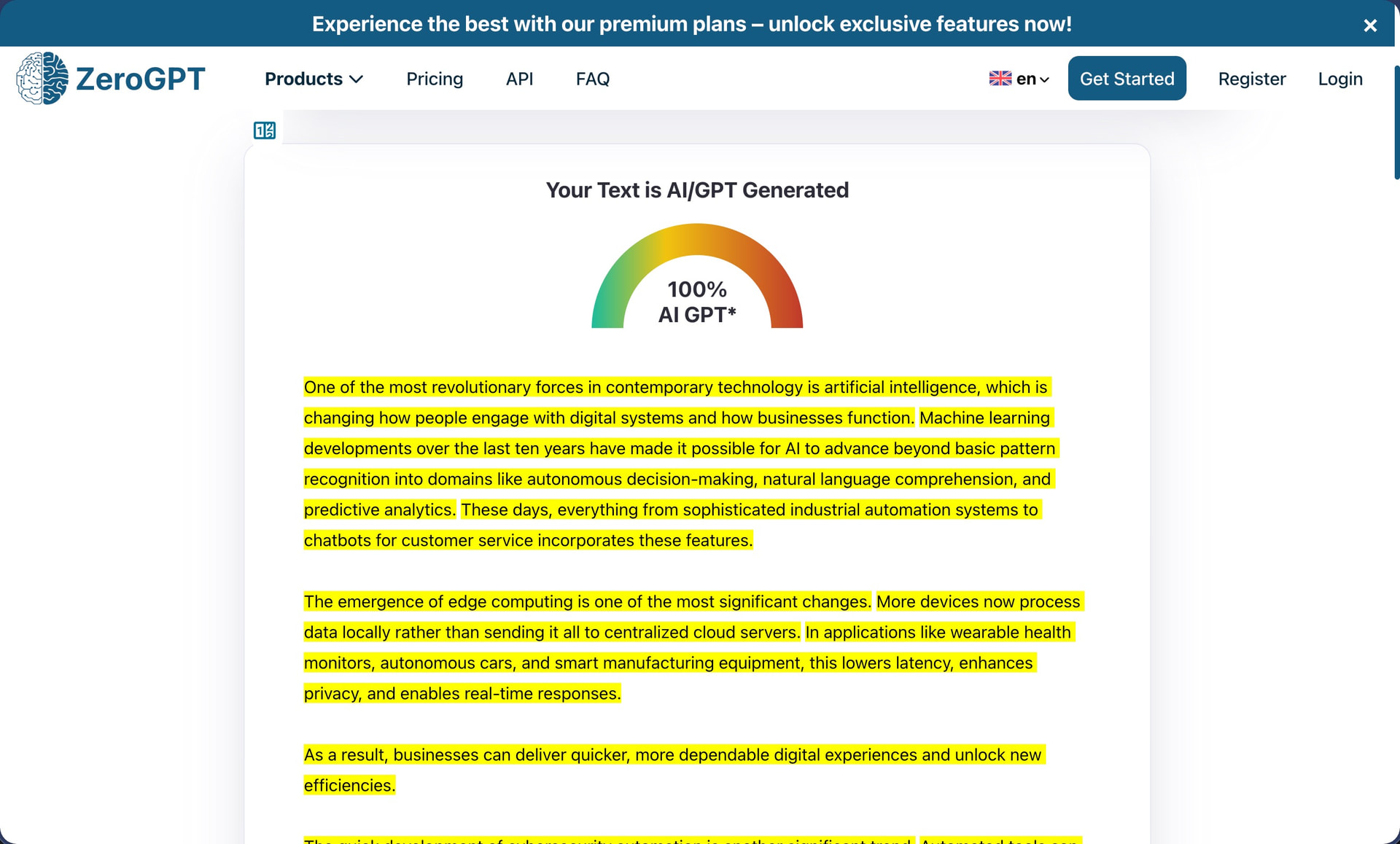
The free tier also locks you into Basic mode with no access to Advanced humanization, which QuillBot describes as offering “deeper rewrites and improved fluency.” Premium subscribers get additional features like Tone insights, Freeze Words (to protect specific terms from being changed), and humanization history.
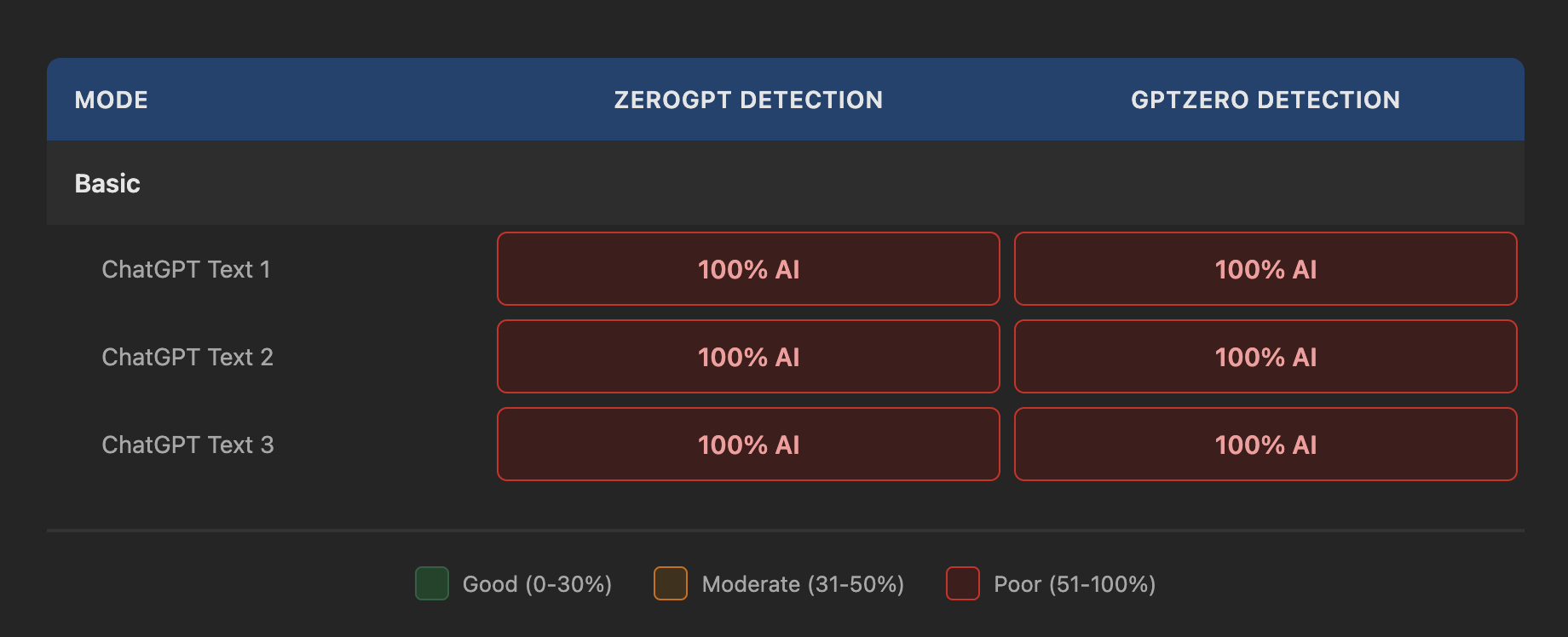
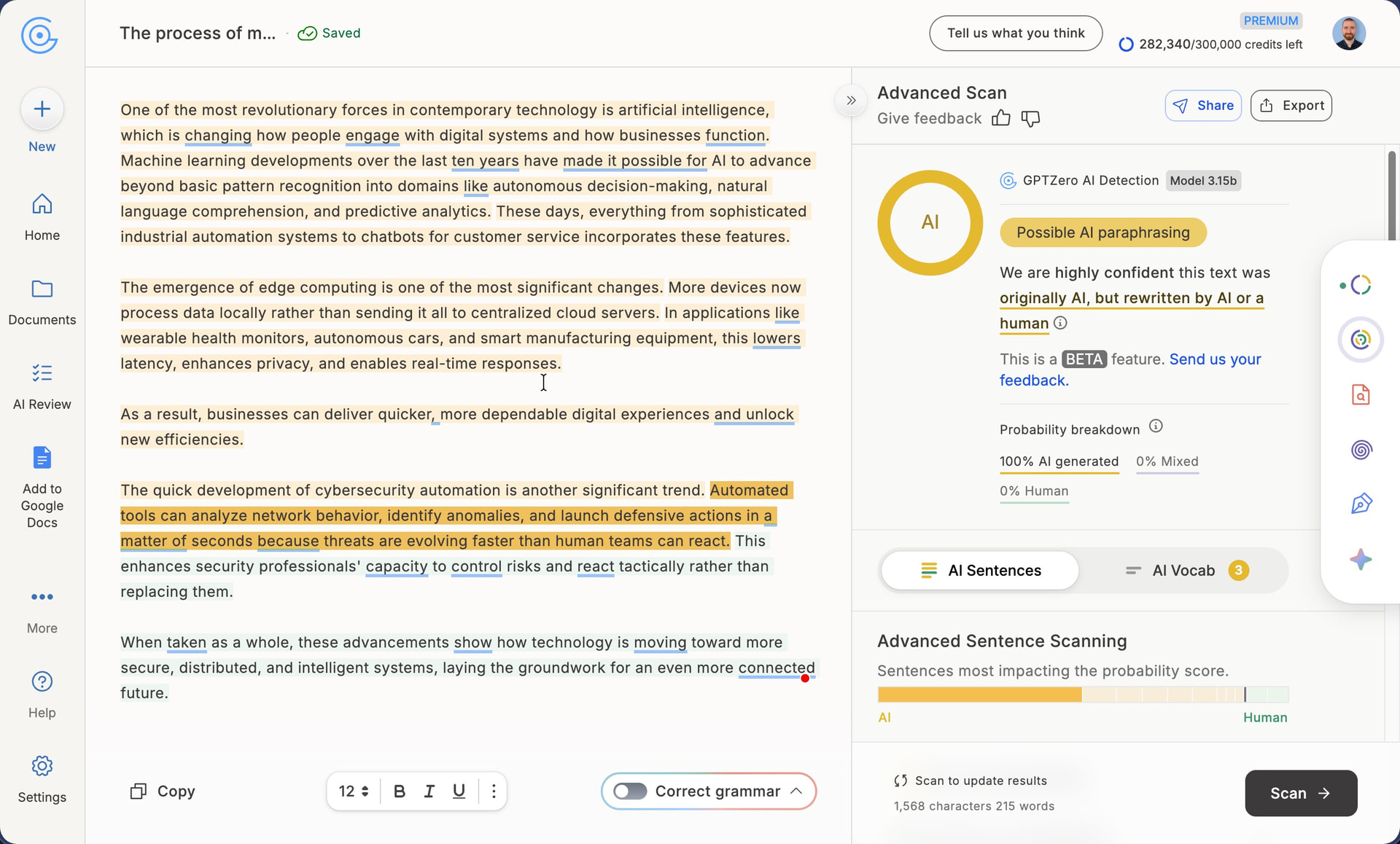
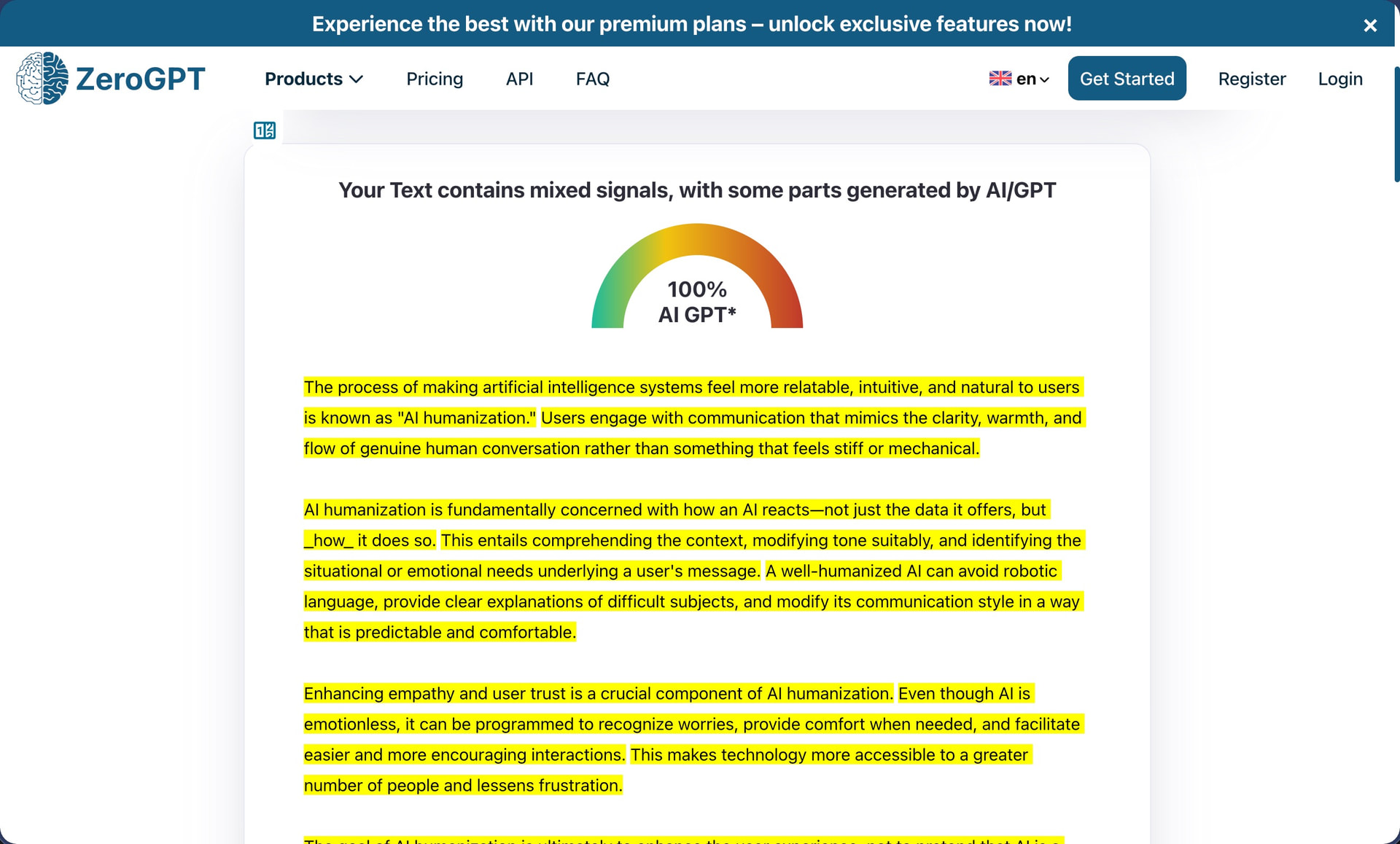
Whatever transformations the Basic mode applies, they are insufficient because my sample texts were flagged as 100% AI content by both GPTZero and ZeroGPT. Not a single sample showed any reduction in AI detection scores whatsoever.
It is possible that the paid version produces better results with its “deeper rewrites.” However, if QuillBot wanted to convince free users to upgrade, showing at least some improvement in Basic mode would be a smarter strategy than delivering outputs that score identically to raw ChatGPT text.
How Well Does QuillBot AI Humanizer Maintain Writing Quality?
Writing Quality Score: 7/10
Given the terrible AI detection results, I was surprised by the fact that QuillBot produces reasonably usable output as far as grammar and writing quality go.
The biggest problem, in my opinion, is the fact that the AI humanizer retains em dashes throughout all three humanized outputs. The first text contains “how an AI reacts—not just the data it offers,” the second includes “these features,” and the third uses semicolons in similar constructions. A tool specifically designed to remove “AI tells” should know better than to leave such obvious fingerprints intact.
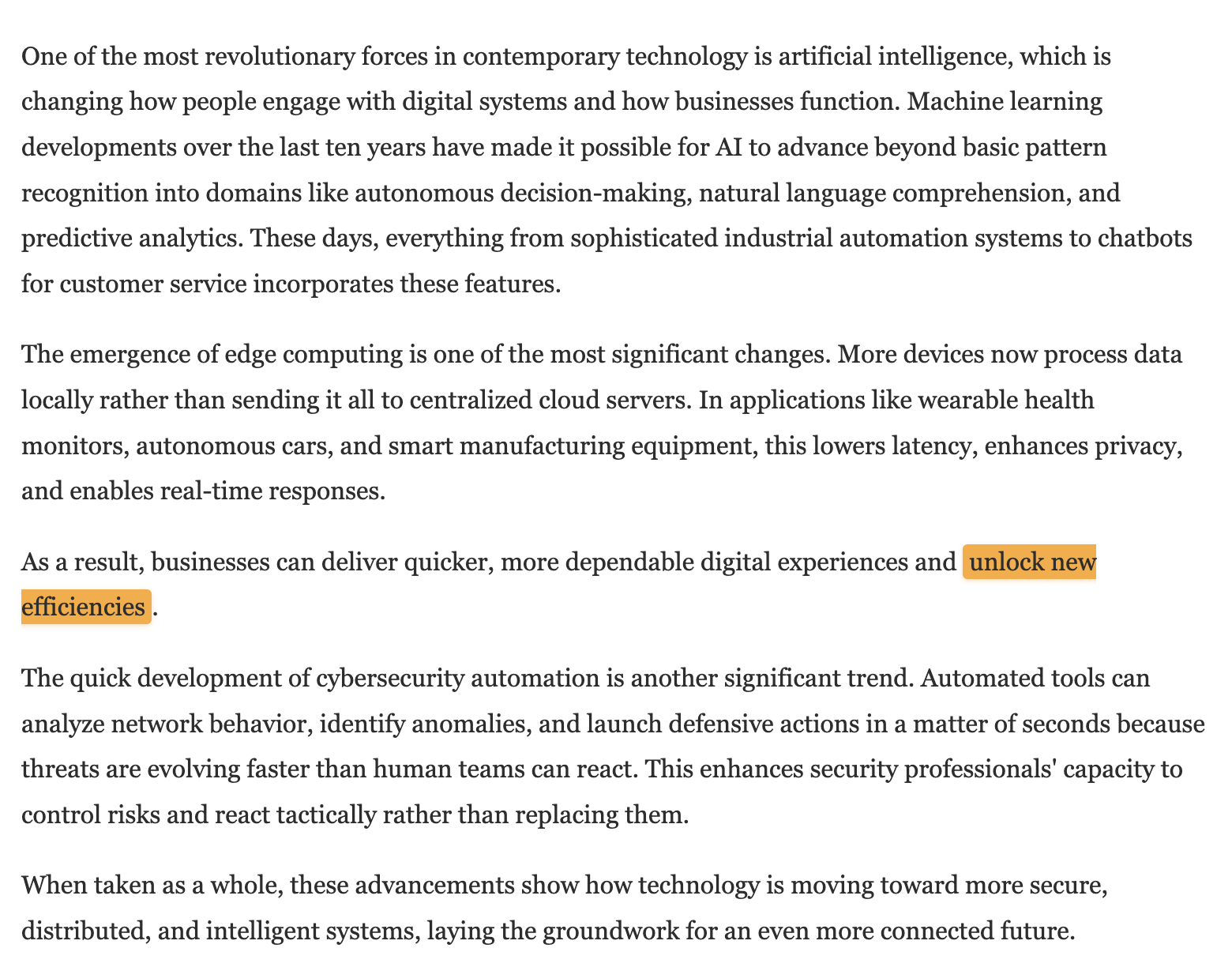
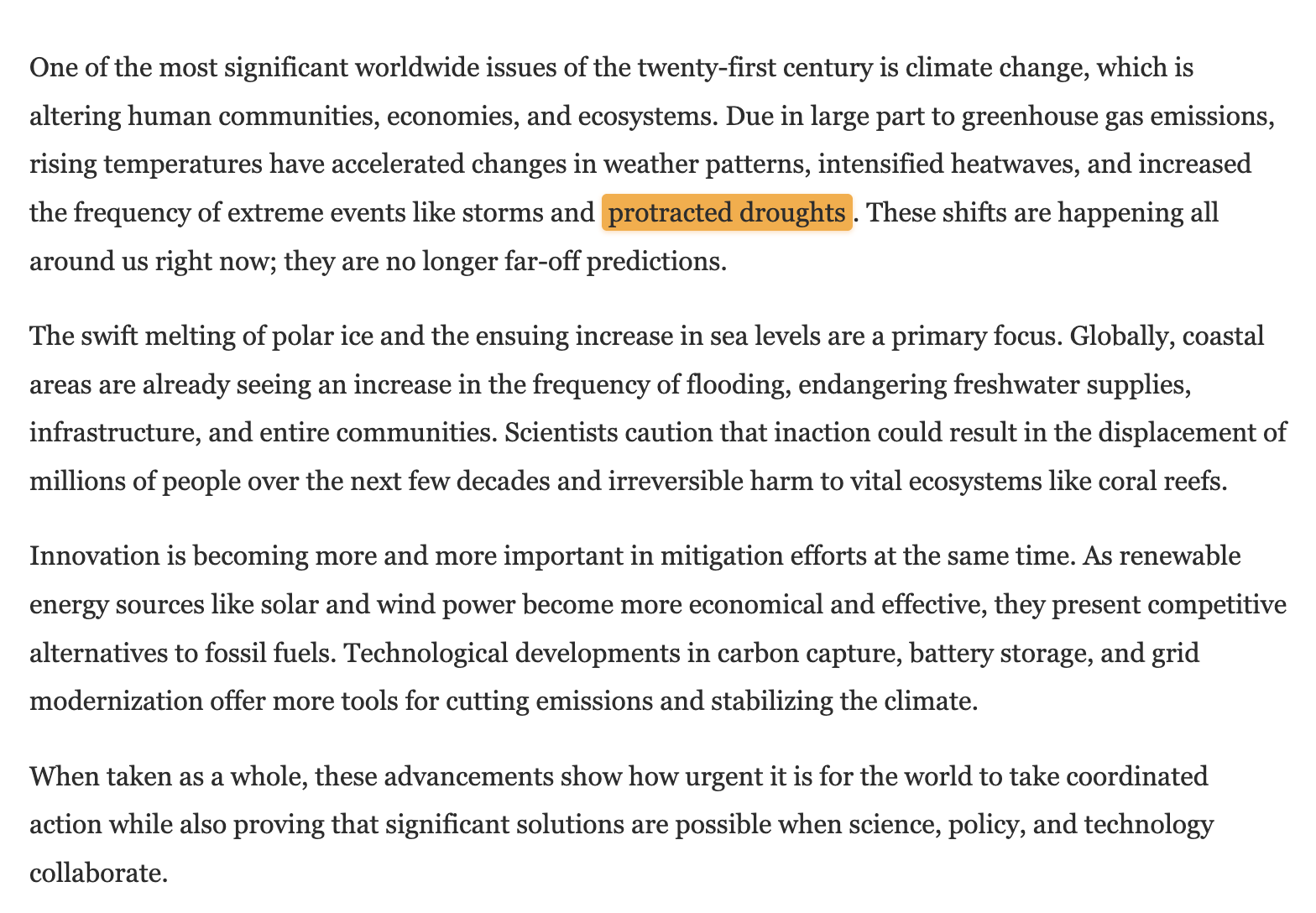
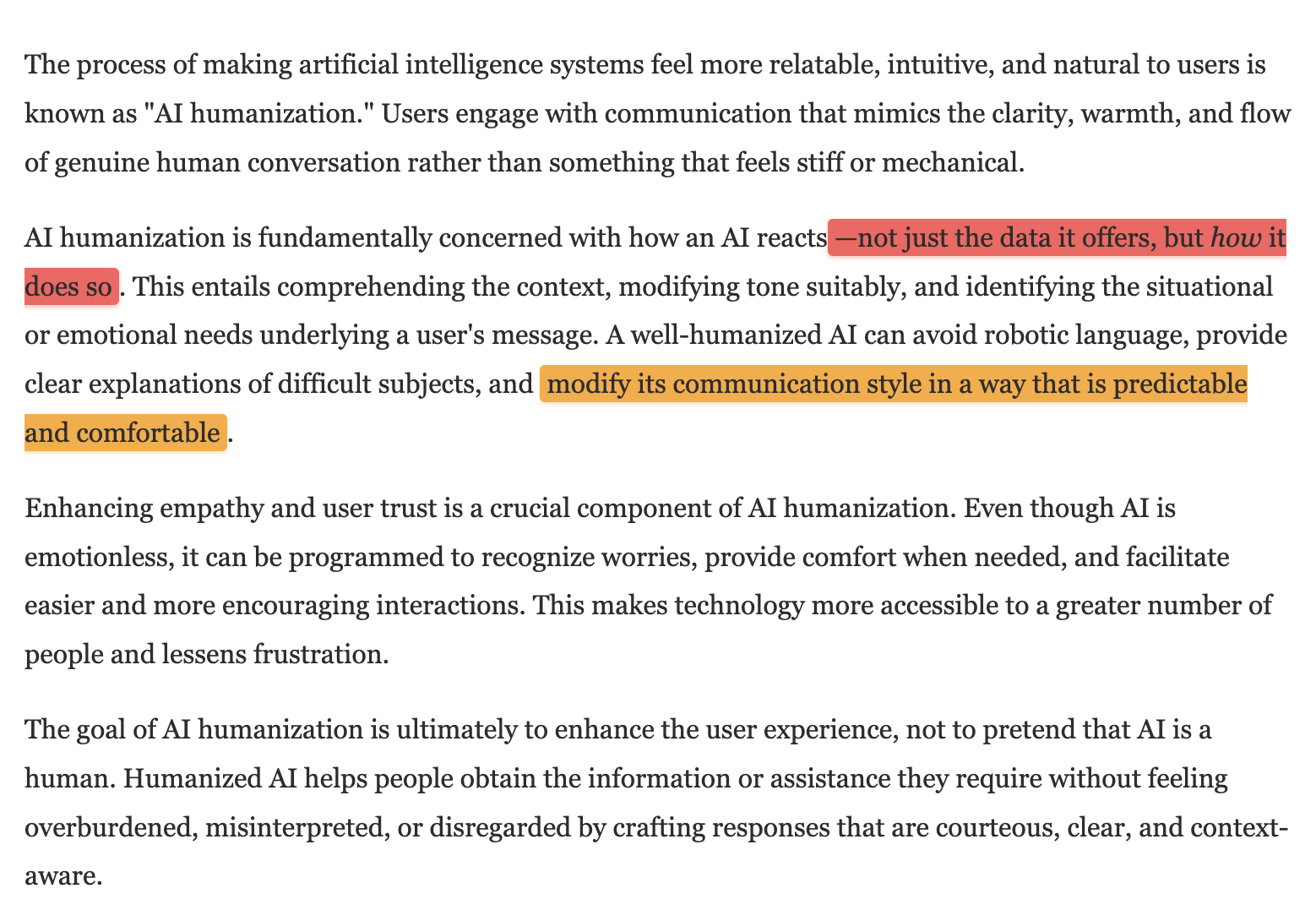
Besides that, I noticed the phrase “modify its communication style in a way that is predictable and comfortable,” (“predictable” is a strange word choice) in the first text. The second text covering technology trends included a very generic and buzzword-heavy phrase “unlock new efficiencies.” The third text on climate change was the cleanest of the three samples, and my only real complaint is the phrase “protracted droughts,” which uses unnecessarily formal vocabulary when “prolonged droughts” or simply “extended droughts” would sound more natural.
Across all three samples, the text still feels distinctly like AI writing. There is no personality, no unexpected turns of phrase, no moments where the writing surprises you, so it’s no wonder that AI detectors flag them accordingly, but the writing itself is quite decent.
I have seen the opposite approach work much better elsewhere. In my Clever AI Humanizer review, the tool restructured text enough to fool ZeroGPT on every sample while maintaining an 8/10 writing quality score, and it strips out em dashes automatically rather than leaving them for you to clean up. The entire service is free, which makes QuillBot’s $8-$20/month Premium feel like a steep ask for a humanizer that changes nothing in the eyes of detectors.
How Much Does QuillBot AI Humanizer Cost?
QuillBot bundles its AI Humanizer into its broader Premium subscription, so you are paying for the entire writing assistant platform rather than just the humanization feature.
| Plan | Monthly Price | Quarterly Price | Yearly Price | Humanizer Access |
|---|---|---|---|---|
| Free | $0 | $0 | $0 | Basic mode, 125 words/request |
| Premium | $19.95 | $13.31 ($39.95/quarter) | $8.33 ($99.95/year) | Advanced mode, unlimited words |
The annual plan offers the best value at $8.33 per month, which represents a 58% discount compared to monthly billing. The quarterly option lands somewhere in the middle at $13.31 per month. QuillBot also offers a 100% money-back guarantee that allows you to try Premium for 14 days and request a full refund if you are not satisfied. There is also a subscription pause feature for users who want to take a break without losing their account.
Premium subscribers unlock Advanced humanization mode, which promises deeper rewrites and improved fluency. They also get access to Tone insights (to see how your text sounds to others), the Freeze Words feature (to protect specific terms from being rewritten), unlimited word processing per request, and humanization history. On top of the humanizer, Premium includes unlimited paraphrasing, advanced proofreading, custom summaries, and unlimited AI detection.
Compared to dedicated humanizers, QuillBot’s pricing is competitive if you plan to use the other tools. Services like Aihumanize.io charge $20 per month for unlimited humanization with annual billing, while HumanizeAI.io offers their Elite plan at $7 per month yearly. However, those services focus exclusively on humanization, whereas QuillBot gives you an entire writing toolkit.
Does QuillBot AI Humanizer Respect User Privacy?
QuillBot is operated by Learneo, Inc., a company based in Chicago that also owns Course Hero, LitCharts, Symbolab, Scribbr, and LanguageTool. Their privacy policy and terms of service are comprehensive and professionally written. According to them, QuillBot collects the following data:
-
Personal data: Email address, first name, last name
-
Technical data: Browser type, device information, IP address, time zone, and location
-
Usage data: Pages visited, time spent on pages, interaction patterns
-
Payment data: Processed through third-party providers (QuillBot does not store card details directly)
-
Cookies: Session cookies, preference cookies, security cookies, and advertising cookies
-
Content data: Text inputs and outputs you submit through the service
Interestingly, QuillBot handles data from free users differently than paid subscribers. For free tier users, the policy states that “Learneo retains control over and may use data, including inputs, prompts, and outputs, for the limited purposes of improving, training, and securing our AI models.”
For paid users on Team Plans, the terms specify that QuillBot “will only use Input that is provided under a Team Plan solely to the extent necessary (i) to provide the QuillBot Service including personalization and customization, (ii) for security and quality control purposes, and (iii) to comply with applicable law.” In other words, if you are concerned about your text being used to train AI models, upgrading to a paid plan offers stronger data protections.
Your data may be transferred to and stored in the United States, and QuillBot complies with both GDPR and CCPA requirements for users in applicable regions. The privacy policy also details data retention practices and provides clear instructions for submitting data deletion requests.
Overall, QuillBot’s privacy practices are more transparent and thorough than the vast majority of AI humanizers I have reviewed, which has no doubt everything to do with the fact that it has an experienced company behind it.