QuillBot has been around since 2017, when three college students at the University of Illinois built a paraphrasing tool to help English language learners. The company now sits under Learneo, Inc. (which also owns Course Hero, Scribbr, and Symbolab) and counts 56 million monthly active users across its writing tools, which include paraphraser, grammar checker, plagiarism checker, summarizer, and the AI detector we’re taking a closer look at in this review to see if it can accurately and reliably tell AI-generated content apart from content written by real humans.
How I tested QuillBot’s AI Detector: I ran my standard test set through QuillBot’s detector, scanning each sample individually. The AI group was nine freshly generated samples, three each from ChatGPT (5.2), Claude (Opus 4.6), and Gemini (3 Pro), covering artificial intelligence, climate change, and technology trends. The human group was ten pieces from sources that predate the public availability of large language models. For each scan, I recorded the percentage score.
| Pros | Cons |
|---|---|
| Great false positive results | Bad ChatGPT detection results |
| Free with no account required for first scan | Scanned text used for model training by default |
| Multi-tier classification | Data shared with advertising partners for targeted ads |
| Sentence-level highlighting | No paid plan with additional features or better detection capabilities |
| Supports 20+ languages | |
| Part of a larger writing toolkit | |
| Defaults to human-written when results are uncertain |
How Accurate Is QuillBot’s AI Detector At Catching AI Content?
| AI Model | Topic | QuillBot Score |
|---|---|---|
| ChatGPT (5.2) | AI Humanization | 0% AI |
| ChatGPT (5.2) | Climate Change | 39% AI |
| ChatGPT (5.2) | Technology Trends | 100% AI |
| Claude (Opus 4.6) | AI Humanization | 74% AI |
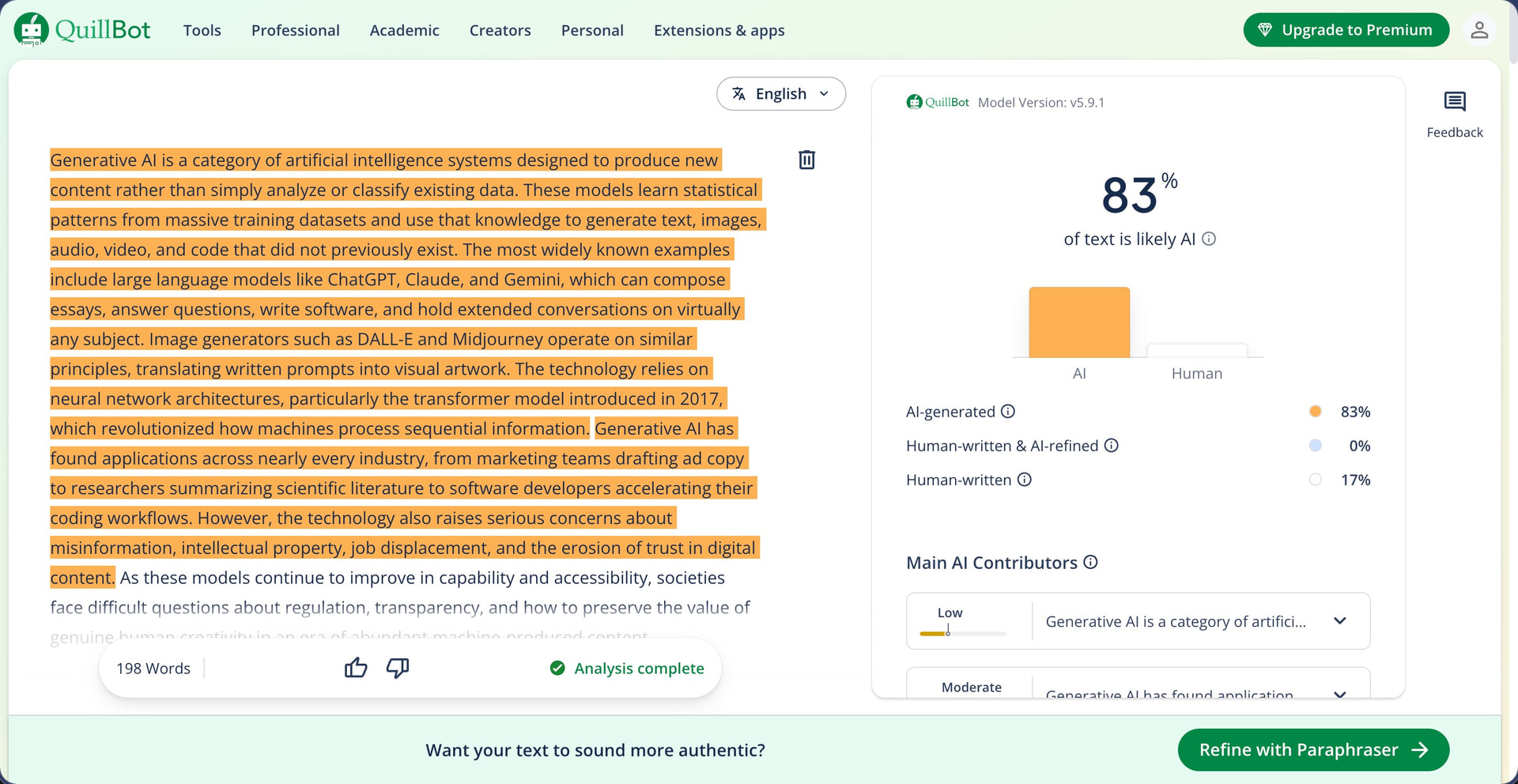
| Claude (Opus 4.6) | Climate Change | 83% AI |
| Claude (Opus 4.6) | Technology Trends | 100% AI |
| Gemini (3 Pro) | AI Humanization | 94% AI |
| Gemini (3 Pro) | Climate Change | 91% AI |
| Gemini (3 Pro) | Technology Trends | 100% AI |
QuillBot’s FAQ page lists GPT-4, GPT-5, Claude, and Gemini as models the detector is trained to identify. The landing page describes the system as using “advanced LLM-based linguistic pattern analysis” that is “continuously trained on large datasets.” So the expectation going in was reasonable accuracy across all three models. Unfortunately, QuillBot Largely failed to deliver.
Only three of nine samples scored 100% AI, and all three happened to be on the same topic (technology trends). The other six ranged from 0% to 94%. The 0% comes from a ChatGPT sample about AI humanization. My second ChatGPT sample, on climate change, was only slightly better at 39%.


This is the worst performance on ChatGPT content I have seen across every detector in this series so far. In comparison, Grammarly’s detector scored its lowest ChatGPT sample at 56%, and Originality AI, Winston AI, and Undetectable AI all scored every ChatGPT sample at 99% or 100% AI with no exceptions.
Claude content performed better than ChatGPT but still inconsistently. Two of three samples landed below 85%, with the AI Humanization text at 74% and the Climate Change text at 83%. A 74% score on a fully AI-generated piece of writing means QuillBot rated more than a quarter of it as likely human. The strongest results were produced by Gemini content. The AI Humanization and Climate Change samples scored 94% and 91%, and the Technology Trends sample hit 100%.
One thing QuillBot does differently from other detectors in this series is its classification breakdown that tells you exactly to which degree the detector believes the text is AI-generated, human-written and AI-refined, or human-written. Hand in hand with this classification goes the highlighting of individual sentences that makes it easy to see which parts of the text are problematic. Of course, the value of a classification system depends on the accuracy of the scores feeding into it, and when a fully AI-generated sample returns 0% with a “100% human-written” label, the categories on top don’t mean much.
Does QuillBot’s AI Detector Produce False Positives?
| Content | Source | Year | QuillBot Score |
|---|---|---|---|
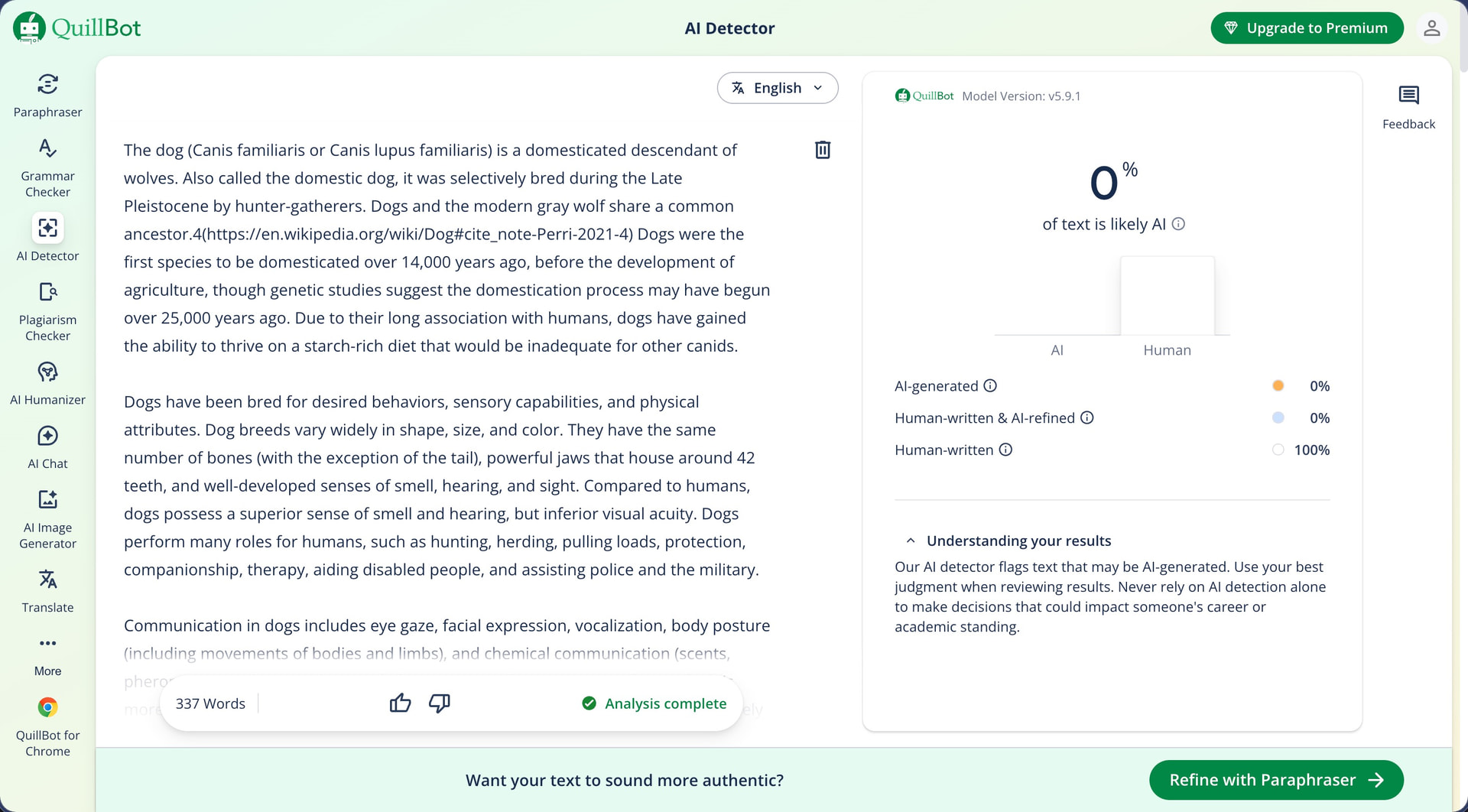
| Dog | Wikipedia | Ongoing (est. 2003) | 0% AI |
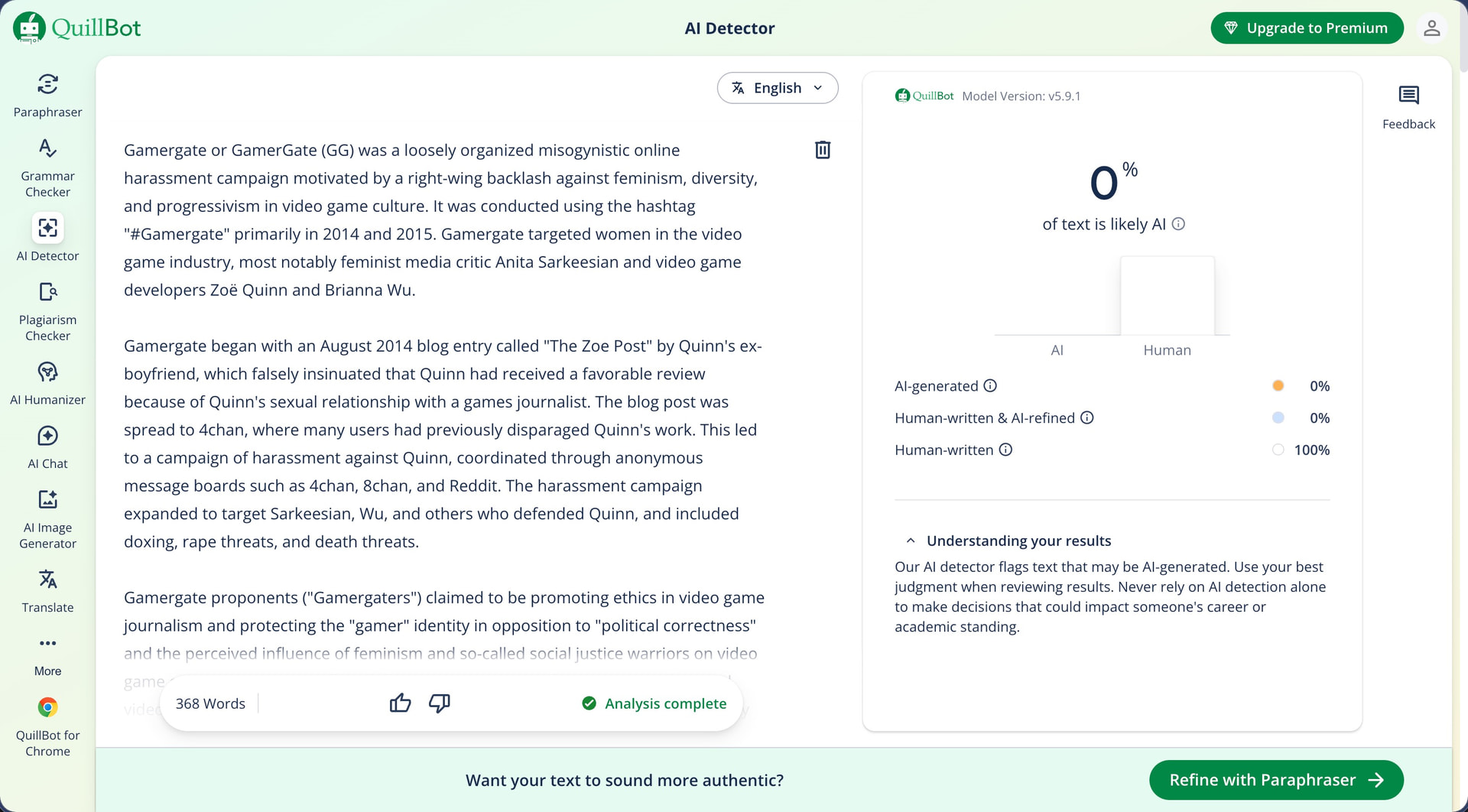
| Gamergate (controversy) | Wikipedia | Ongoing (est. 2014) | 0% AI |
| Alice’s Adventures in Wonderland | Project Gutenberg | 1865 | 0% AI |
| The Wonderful Wizard of Oz | Project Gutenberg | 1900 | 0% AI |
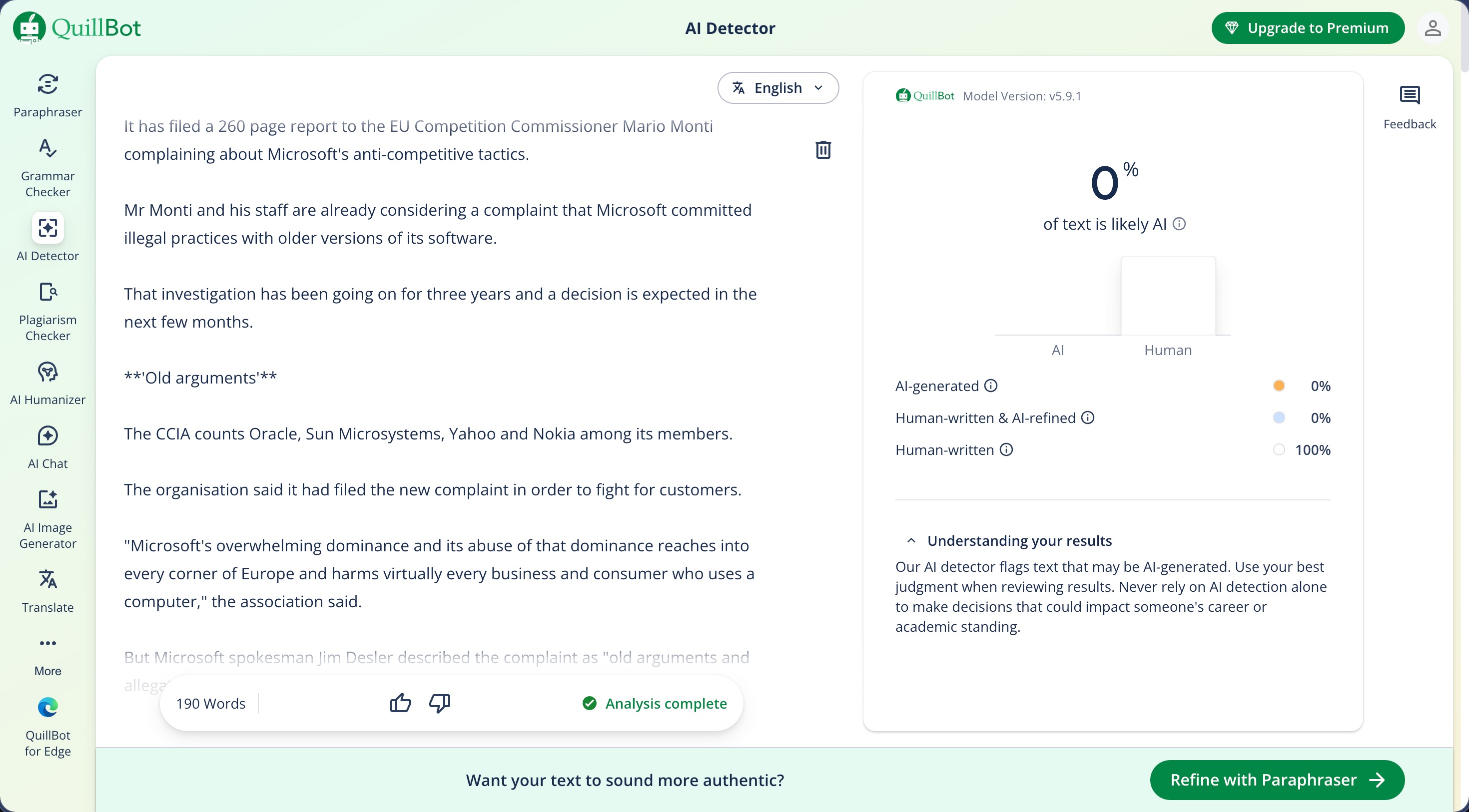
| Microsoft faces new complaint | BBC News | 2003 | 0% AI |
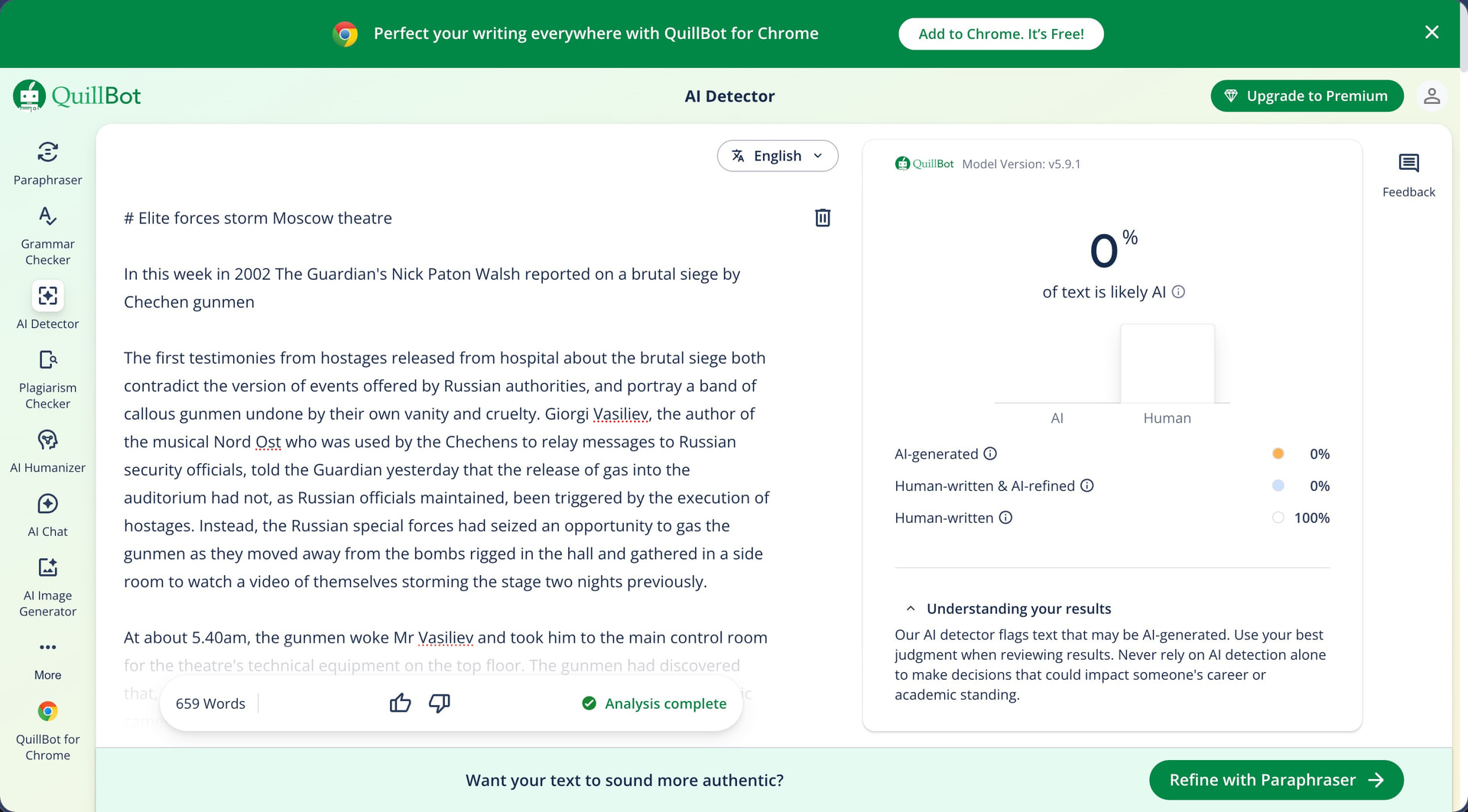
| Elite forces storm Moscow theatre | The Guardian | 2002 | 0% AI |
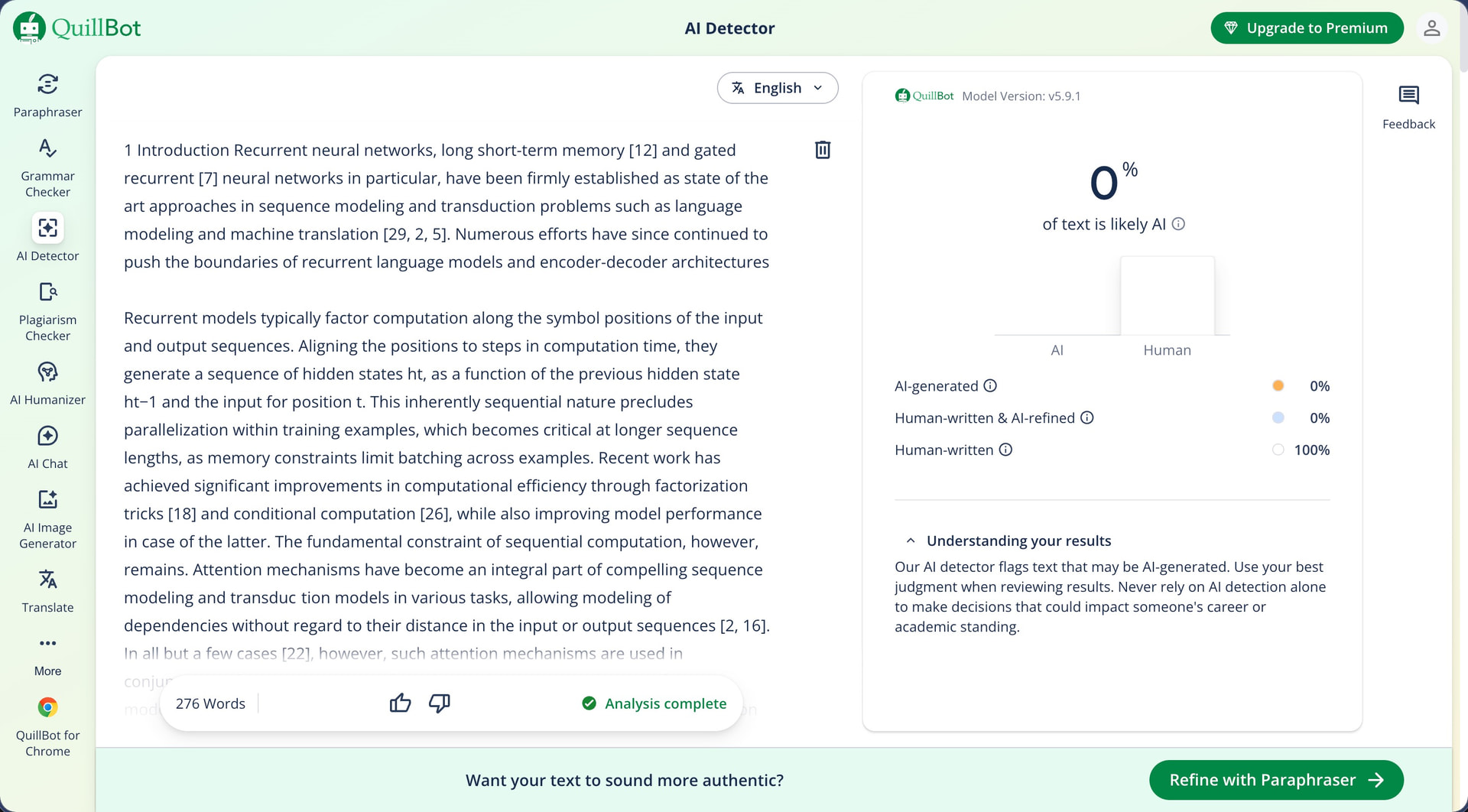
| Attention Is All You Need | NeurIPS | 2017 | 0% AI |
| Bayesian Model Selection in Social Research | Academic journal | 1995 | 0% AI |
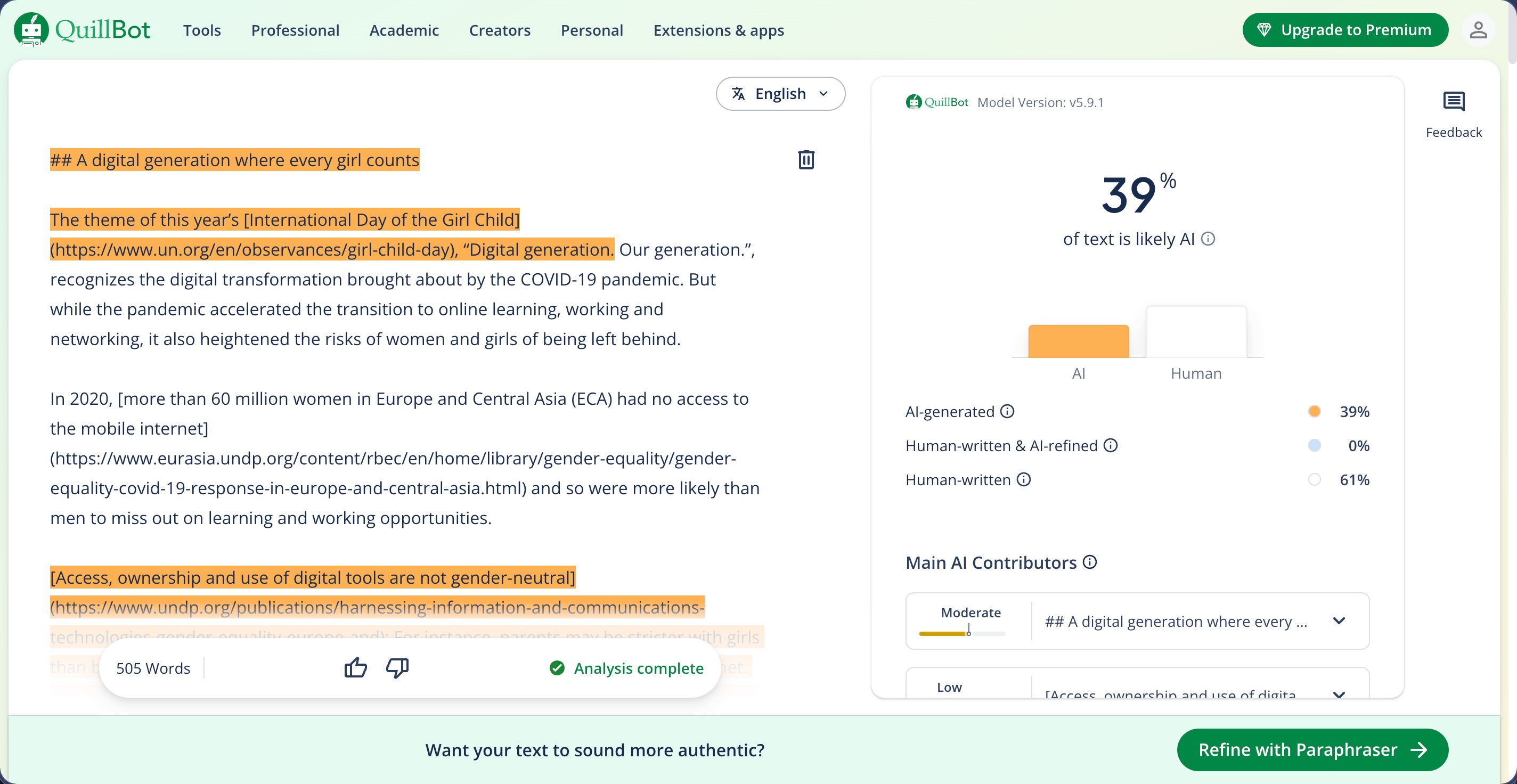
| A digital generation where every girl counts | UNDP Blog | 2019 | 39% AI |
| Customizing Windows Vista, Part 1 | PC Magazine | 2007 | 0% AI |
After the poor AI detection scores, I expected the false positive results to be messy too, but they were not. Nine of ten human-written samples scored a flat 0% AI, which is the cleanest result any detector has produced in this series.
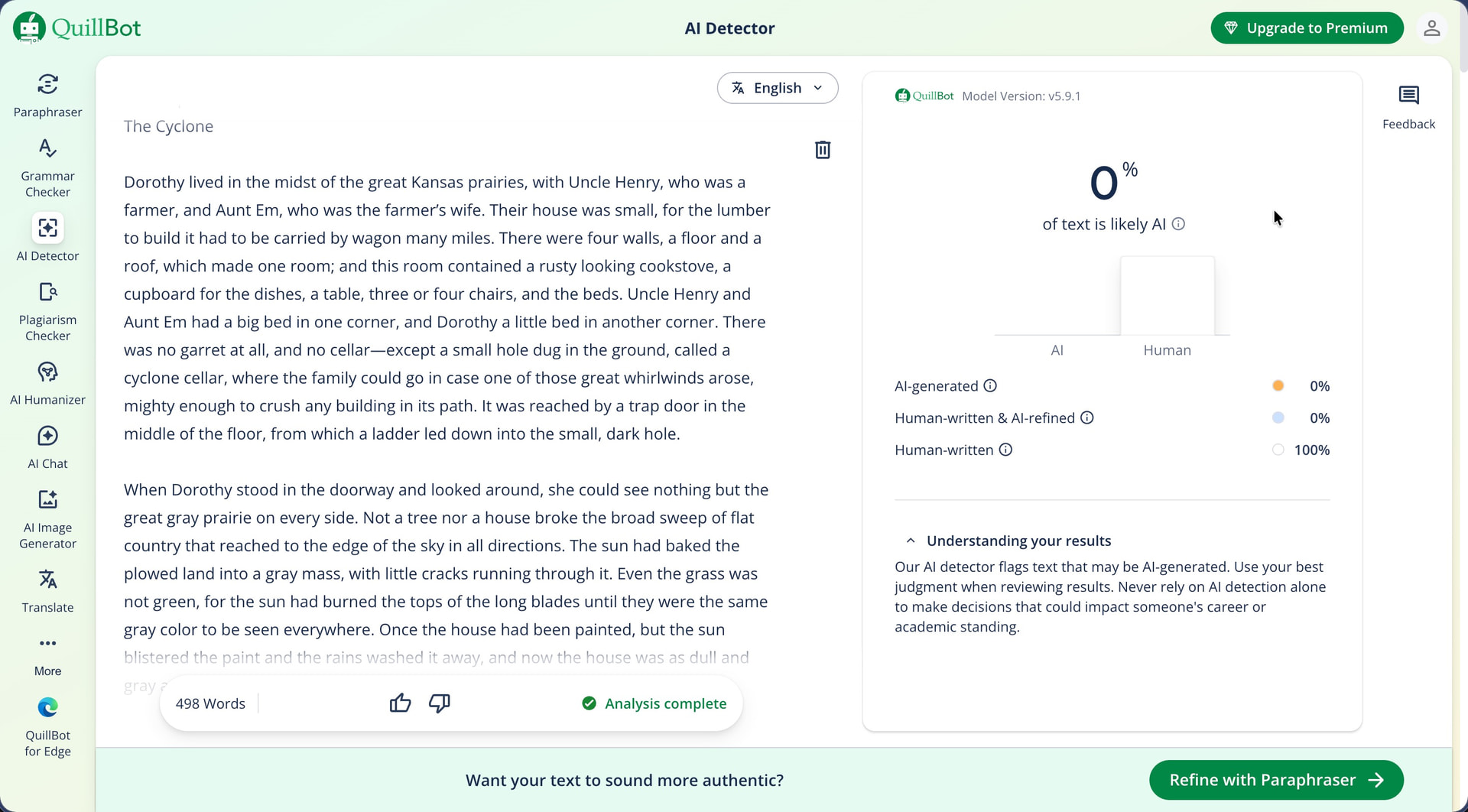
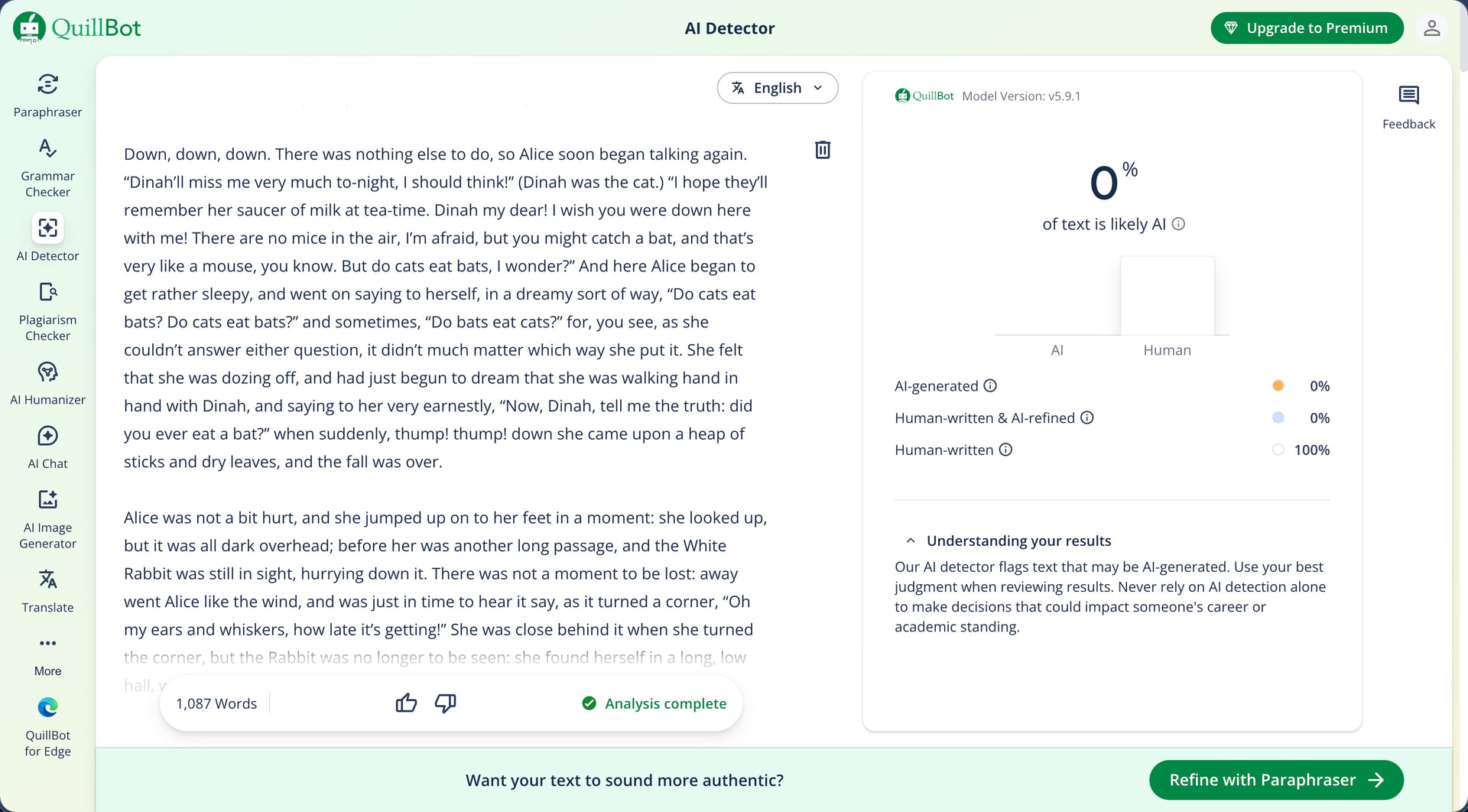
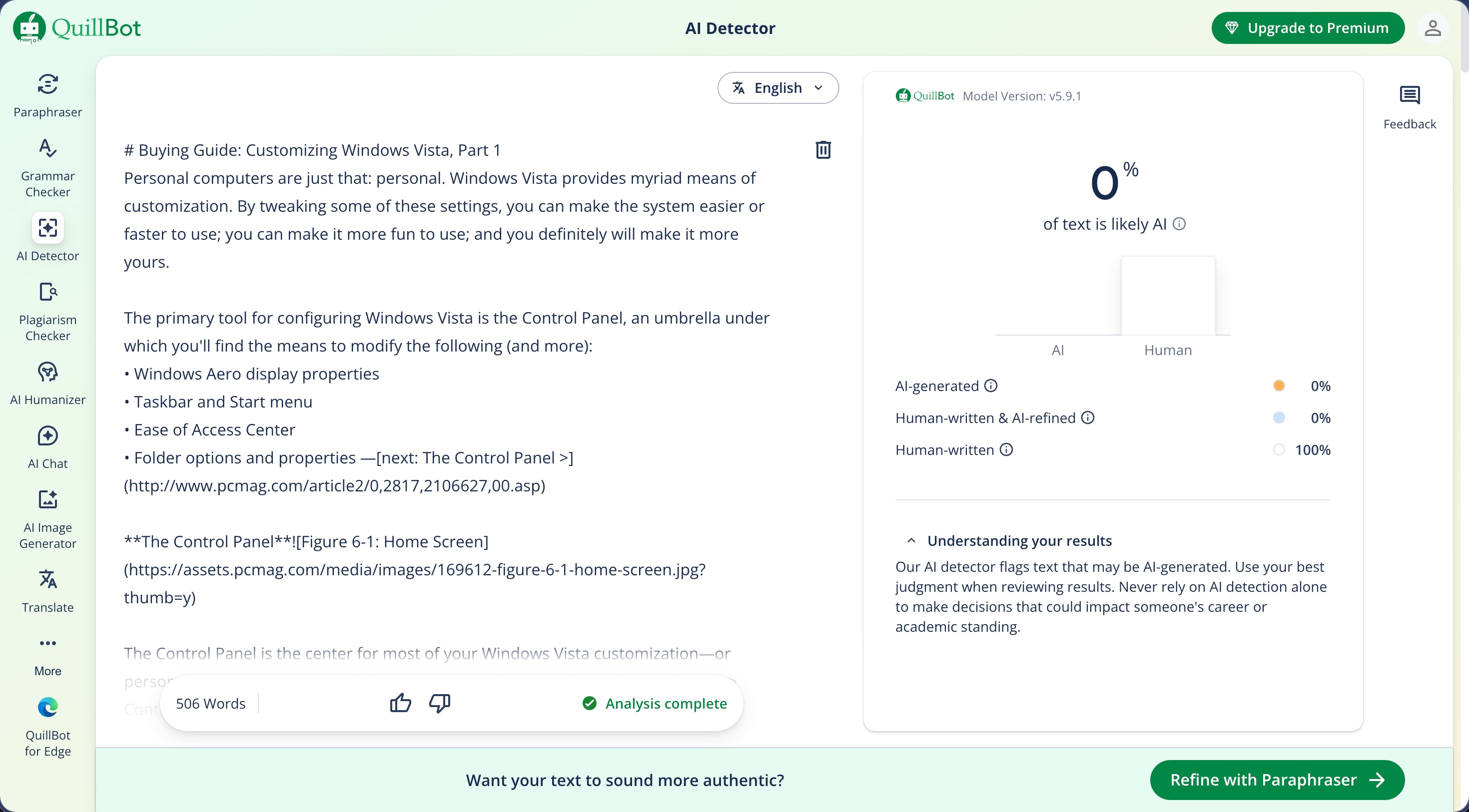
The Wikipedia article about dogs, which has been a problem for almost every other detector I have tested, passed without issue (Originality AI scored it at 99% AI, Winston AI scored it at 90% human, and Undetectable AI labeled it “AI Paraphrased” at 73%). And it was the same story with the Gamergate controversy article, classic literature, archived news, and academic papers.
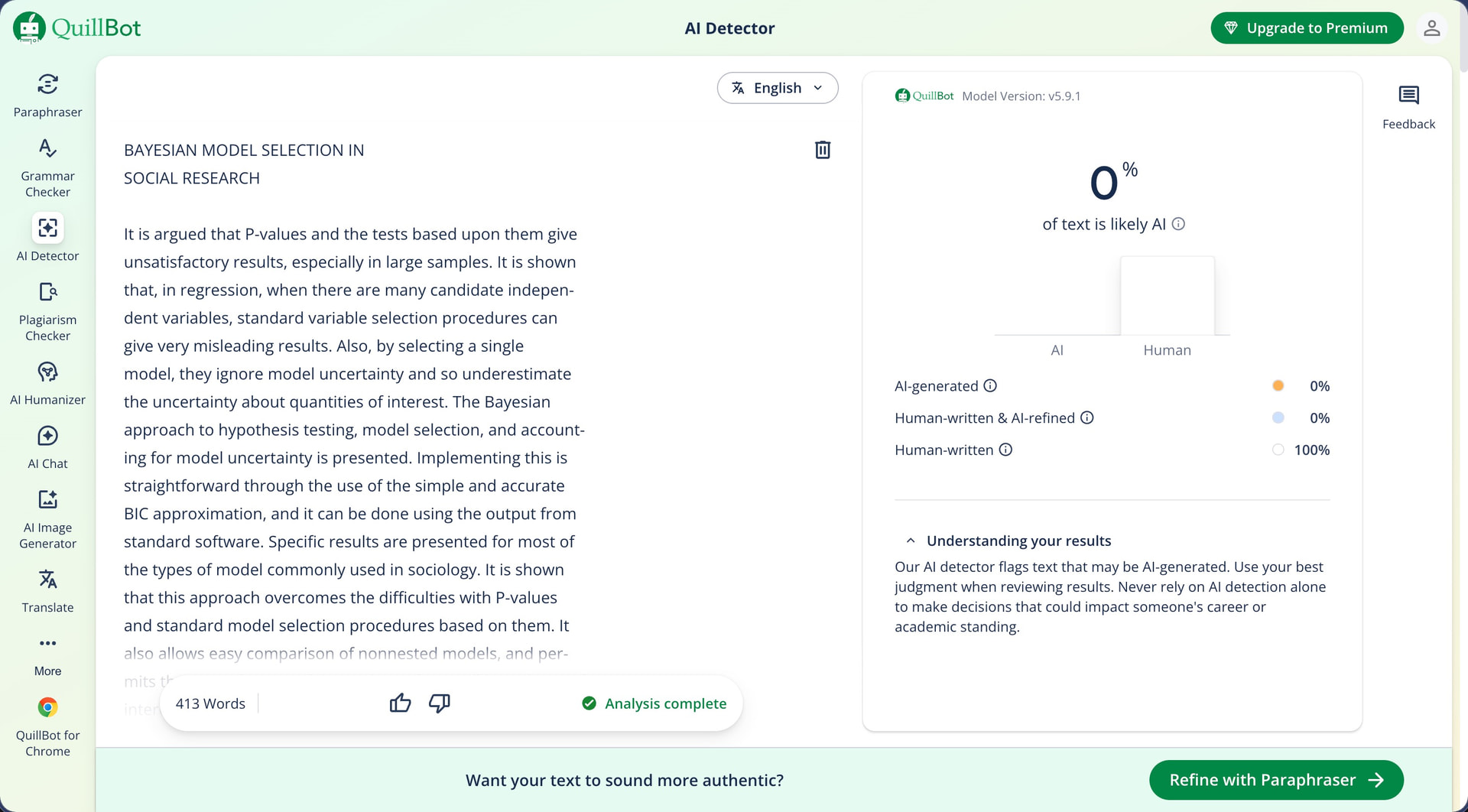
The one miss was the UNDP blog post from 2019 about digital inclusion for girls, which scored 39% AI. Since this article was published three years before ChatGPT existed and two years before GPT-3 was publicly available, any AI detection on it is a false positive by definition. That said, the score of 39% isn’t really high enough that anyone reasonable would see it as a concrete proof of AI content (it may raise an eyebrow or two, thought).
The surprisingly excellent false positive results make more sense when you know that the landing page says the model defaults to “human-written” when results are ambiguous. That design choice clearly shows up here. The tradeoff is that while human writers are less likely to be wrongly accused, actual AI content has an easier time passing through, as the detection scores from the previous section make clear.
How Much Does QuillBot’s AI Detector Cost?
The AI detector is free to use, and no account is needed to run your first scan. After a handful of scans, QuillBot asks you to sign up for a free account to keep going. Even then, the number of free scans is limited per session, though you can work around this by opening the site in an incognito window when you run out.
What’s more, the free version gives you everything the detector offers, including the percentage score, the three-tier classification breakdown, and the sentence-level highlighting. Where QuillBot starts charging is for its broader writing toolkit, which is bundled under QuillBot Premium.
| Plan | Monthly Price | Annual Price | What’s Included |
|---|---|---|---|
| Free | $0 | $0 | AI detection (limited scans), paraphraser (125-word limit), basic grammar checker |
| Premium (Monthly) | $19.95/mo | -- | Unlimited paraphraser, 6,000-word summarizer, advanced grammar checks, plagiarism checker |
| Premium (Quarterly) | $13.31/mo | $39.95/quarter | Same as above |
| Premium (Annual) | $8.33/mo | $99.95/year | Same as above |
| Team | $2.91-$7.50/seat/mo | Varies by size | All Premium features for groups of 2+ |
Note: QuillBot accepts credit card and PayPal payments, and all Premium plans come with a 14-day money-back guarantee.
Of course, a free detector that misses ChatGPT writing entirely is hard to compare against a paid one that catches everything at 99% or above. For quick checks performed once in a while, QuillBot is better than nothing, especially considering that you don’t even have to create a user account. However, I personally would rely on it as my main AI detector.
Does QuillBot Respect User Privacy?
QuillBot’s privacy policy and terms of service are much longer than what I typically see because the documentation applies across all services operated by the parent company, Learneo, Inc.
Based on my analysis, Learneo collects the following data when you use QuillBot:
-
Account information: name, email address, and password.
-
Payment data: processed through third-party providers (QuillBot does not store card details directly).
-
User text inputs and content: all text you paste or upload into the detector or any other QuillBot tool.
-
Technical data: IP address, device type, browser type and version, time zone, operating system, and location.
-
Usage data: feature usage, interaction patterns, pages viewed, and activity logs.
-
Cookie data: session cookies, preference cookies, analytics tracking, and advertising cookies.
-
Session replay data: mouse movements, clicks, keystrokes (excluding passwords and payment fields), and screen size, collected through Fullstory, Microsoft Clarity, and Amplitude.
If you find the last bullet point alarming, then [finish]]
The bigger concern is what happens to the text you scan. Under the “Legitimate Interest” section of the privacy policy, Learneo lists “User Text Inputs and Content (QuillBot only)” as data used for “improving the Services, including training or improving the AI models that power our Services.” In other words, any text you paste into the AI detector can be used to train QuillBot’s models. The only exception is for text submitted under a Team Plan, which will only be used to provide the service, for security and quality control, and to comply with the law.
Learneo also shares data with advertising service providers and ad networks (including social media ad networks) for targeted advertising. This is similar to what Grammarly does, but different from Winston AI, which states it has not sold or shared personal data with third parties for commercial purposes. Originality AI offers an opt-out for model training in your account settings. I could not find an equivalent opt-out in QuillBot’s documentation for individual users outside the EEA and UK, where consent withdrawal rights exist under GDPR.